

Technology & AI

Radzivon Alkhovik
·
Updated on
An hour of recorded meeting means two hours of listening plus an hour of searching for the right moment. An employee sits with headphones, writing notes. This costs money. If a company has 50 meetings a week, transcription consumes 150+ hours of human time.
AI transcription solves this problem radically. Upload a meeting — get the full text with key moments highlighted in 5 minutes. The neural network doesn't just convert speech to words. The system analyzes what was discussed, highlights tasks, and identifies who's responsible for what.
We tested 5 AI transcription platforms on real meetings, interviews, and podcasts. We found out which neural networks work better with Russian, which are more accurate in English, which are cheaper, and which are more convenient for integration.
How AI Transcription Actually Works
When you upload audio to an AI transcription service, several processing stages occur. The neural network analyzes sound waves, breaks them into fragments, and recognizes individual sounds. Then the system understands which words these are in the context of the whole sentence. At the final stage, AI transcription adds punctuation, divides into paragraphs, and separates speakers.
Modern AI transcription neural networks use transformer architecture — the same as in ChatGPT. This allows the system to understand meaning during transcription, not just match words in a dictionary. The neural network sees context: the word "bank" in one context is a financial institution, in another — a riverbank. In AI transcription, this is critical for accuracy.
The best AI transcription platforms are trained on hundreds of thousands of hours of real speech. The neural network learns how people actually speak: with pauses, mistakes, unclear diction, and accents. This makes AI transcription much more accurate than simple algorithms.
5 Best Platforms for AI Transcription
Platform choice for AI transcription depends on language, audio quality, required functionality, and budget. Some neural networks work better with Russian, others with English. Some are suitable for corporate use, others for content. We selected the 5 best by accuracy, speed, and convenience for text transcription. Here's what we found.
1. mymeet.ai — Best Platform for AI Transcription in Russian
mymeet.ai uses its own neural network trained on Russian language. For AI transcription of meetings, the system achieves 96-98% accuracy. This is the best result among all tested platforms.
The neural network during transcription understands business context. It knows what "sales funnel," "force majeure," and "KPI" mean. During AI transcription, it doesn't confuse professional terms. This is important for corporate use.
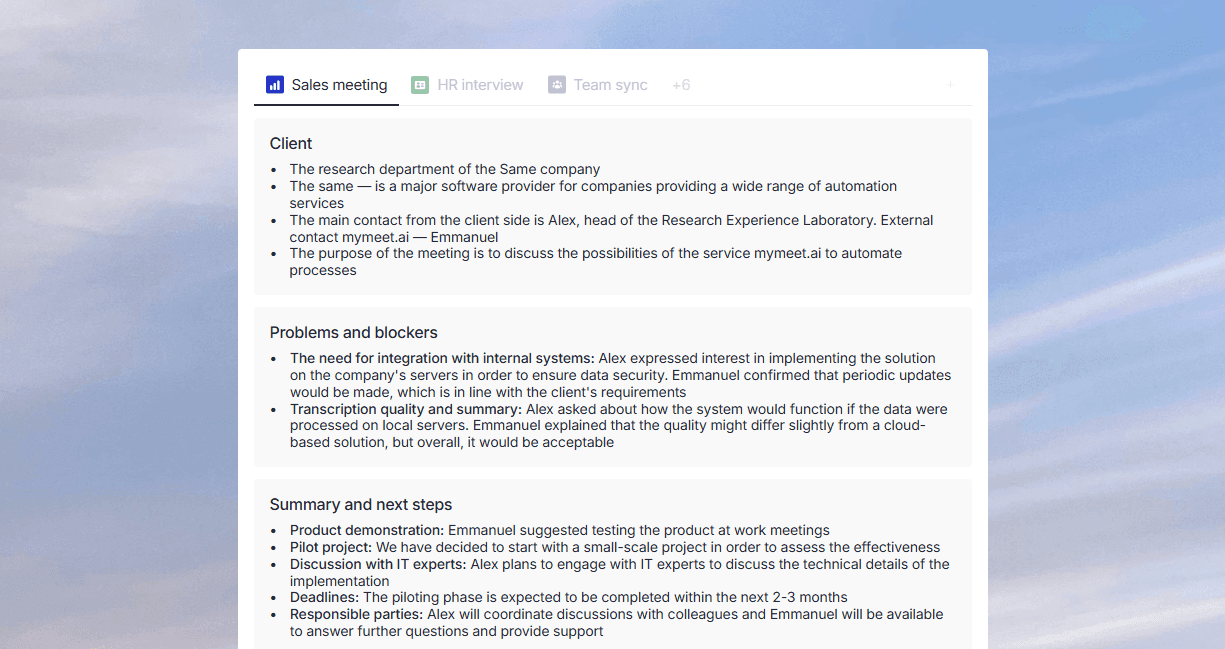
AI transcription in mymeet.ai doesn't just convert speech. The neural network analyzes meeting content and automatically highlights tasks, agreements, and key decisions. During transcription, the system identifies who's responsible for what and by when.
The built-in AI chat during transcription allows asking questions about content. Ask "What risks were discussed?" — the neural network finds the answer in the transcription and provides it with a link to the audio moment.
Key Features:
96-98% text extraction accuracy in Russian
Built-in media player with text-video synchronization
Timestamps in AI reports and AI chat for jumping to specific moments
Automatic task extraction with responsible parties and deadlines
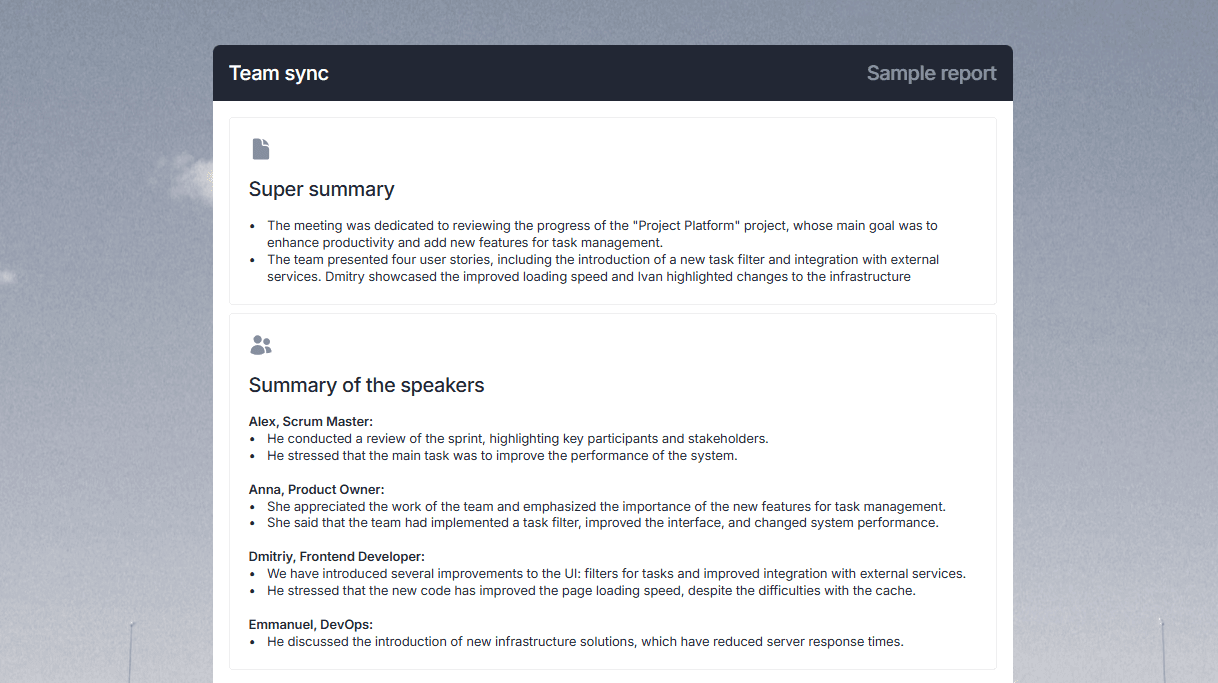
AI chat for questions about video content
Speaker separation with renaming capability
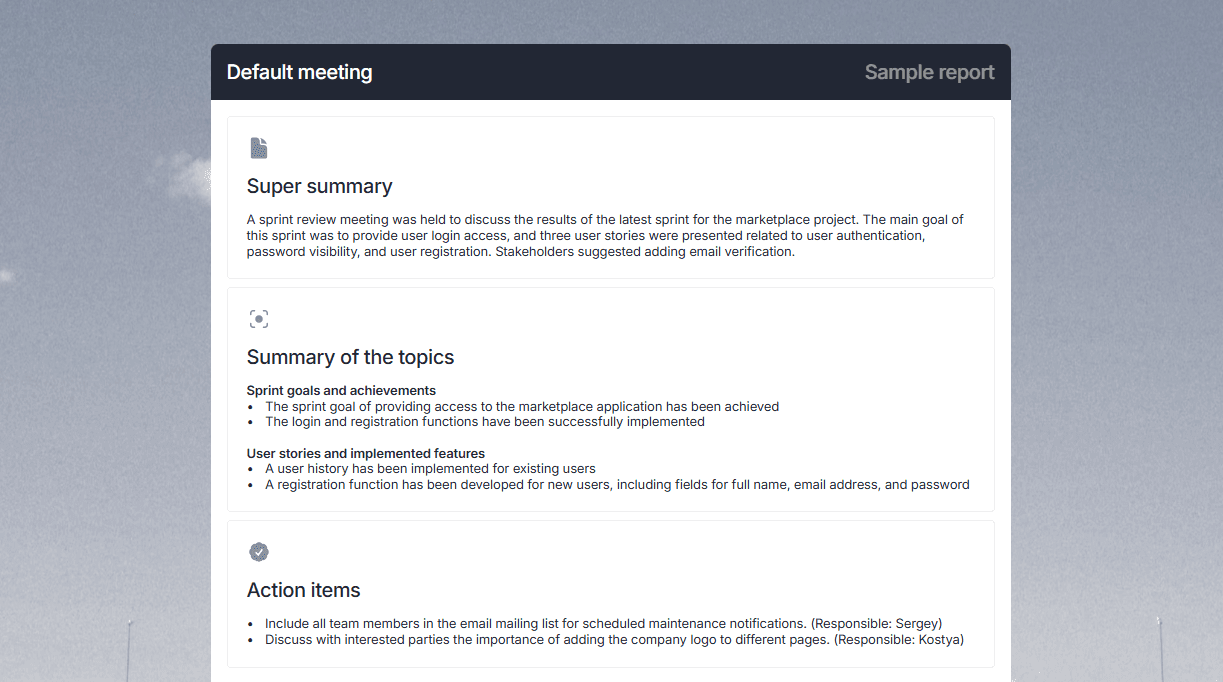
Integration with Zoom, Google Meet, Teams, Yandex Telemost
Support for 73 languages for text extraction
Filler word removal on Pro and Business plans
Export to DOCX, PDF, Markdown, JSON, SRT
Strengths:
Best accuracy for Russian in AI transcription
Automatic task extraction saves time on transcription analysis
Neural network understands business vocabulary during transcription
Integration with all popular video conferencing platforms
Weaknesses:
Interface requires time to learn when working with transcription
May be more expensive than competitors for very large volumes
Requires internet for cloud-based transcription
Meeting analysis works only for corporate content
mymeet.ai is the best choice for companies that need AI transcription in Russian with meeting analysis.
2. OpenAI Whisper — Open-Source Neural Network
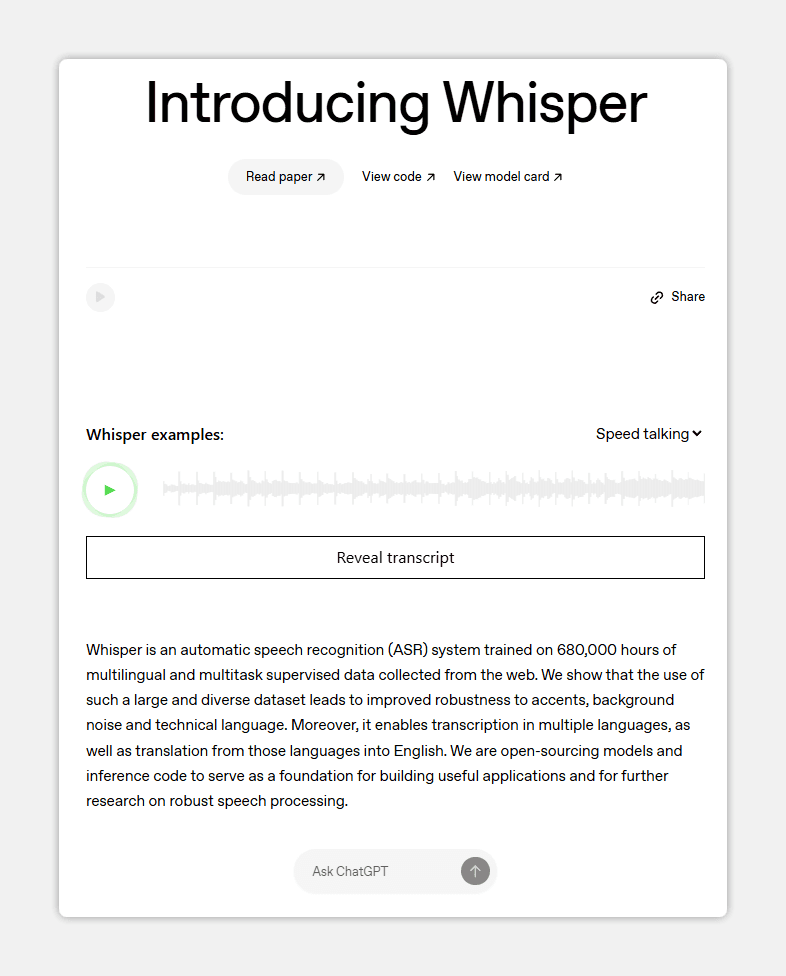
Whisper is an open-source neural network from OpenAI. For AI transcription, Whisper shows 90-94% accuracy even on noisy recordings. The main advantage — it can be installed locally on your computer.
With Whisper transcription, data doesn't go to the cloud. It's processed on your machine. This is critical for confidential information during AI transcription. Nobody sees what you're transcribing.
The Whisper neural network supports 99 languages during transcription. It handles Russian well, though it's inferior to specialized solutions for AI transcription. English accuracy is higher — 95%+.
Whisper automatically adds punctuation during text transcription. The neural network determines sentence boundaries and adds periods and commas. During AI transcription, this saves editing time.
Key Features:
Support for 99 languages during text transcription
Local data processing during AI transcription
Completely free to use
Strengths:
Works locally — the neural network doesn't send data to the cloud during AI transcription
90-94% accuracy even with poor sound during transcription
Weaknesses:
Requires technical knowledge for neural network installation for transcription
No interface for regular users during AI text transcription
No content analysis during transcription — only speech-to-text conversion
Slower than cloud solutions when transcribing on weak computers
Whisper is suitable for developers and those who need maximum confidentiality during AI text transcription.
3. Google Speech-to-Text — Scalable Neural Network
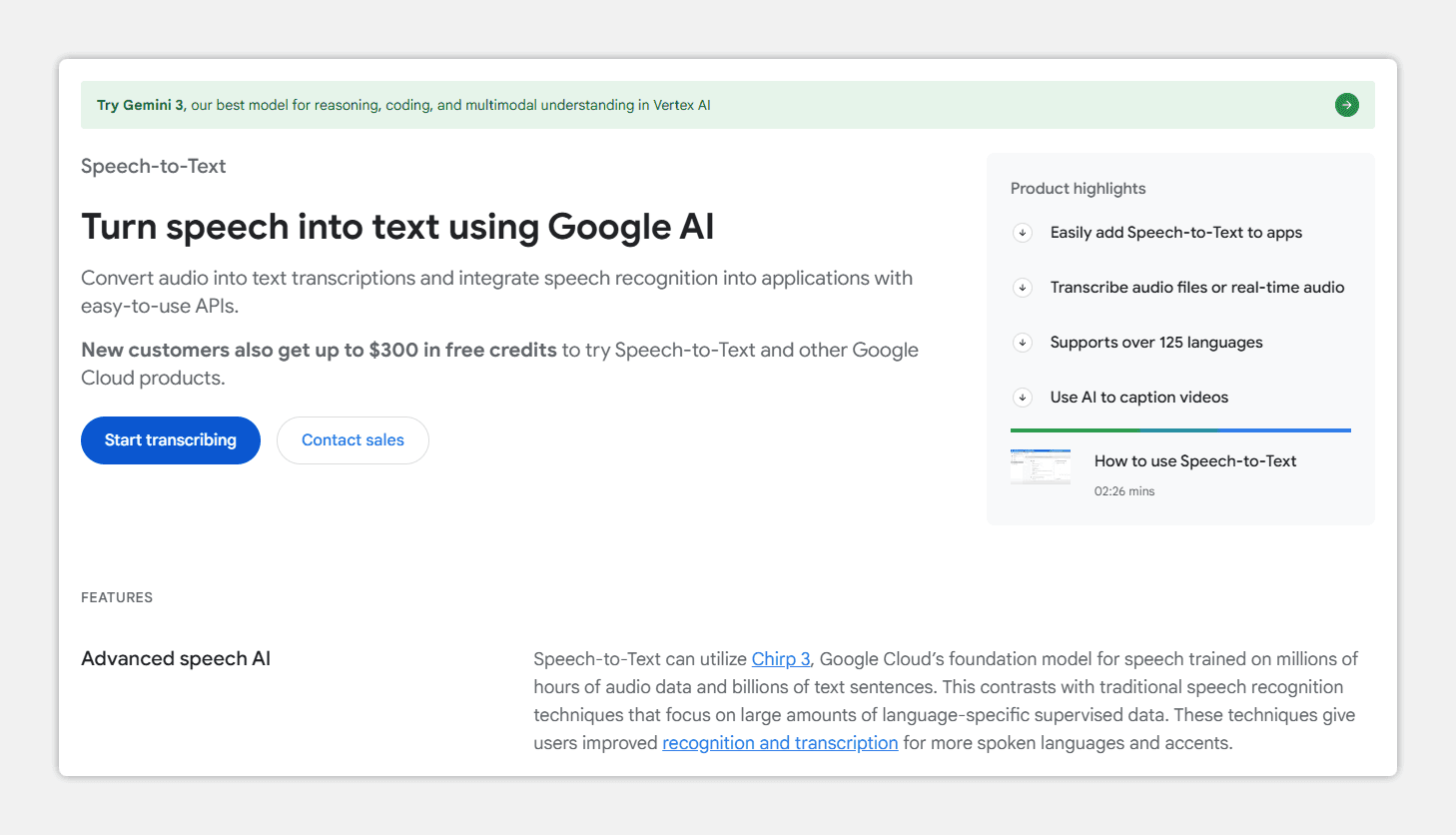
Google Speech-to-Text is a cloud neural network for text transcription. Google trained this system on a huge volume of data, so during AI text transcription it performs well: 92-96% accuracy on clean audio. On noisy recordings, accuracy drops to 85-88%.
During text transcription, the neural network distinguishes different voices well. The system can separate multiple speakers in one meeting during AI transcription. In meetings with 5-6 participants, accuracy remains high during transcription.
The Google neural network during text transcription works well with English, Spanish, and French. Results with Russian are more modest — accuracy around 88-92% during AI transcription. For most tasks, this is sufficient.
Google Speech-to-Text during text transcription works via API. This means a developer can integrate the neural network into their product. There's no ready interface for users, but many services use this neural network for transcription.
Key Features:
Support for 120+ languages during text transcription
API for neural network integration into your product during transcription
Works in the cloud when using AI transcription
Strengths:
Handles different speakers well during AI transcription
Can be integrated via API when using the neural network
Weaknesses:
It's an API for developers, no ready interface during AI transcription
Lower accuracy with Russian during text transcription
Cloud solution — data goes to Google servers during transcription
No content analysis during AI transcription — only conversion to text
Google Speech-to-Text is suitable for companies with an IT team who want to embed AI transcription into their product.
4. AssemblyAI — Neural Network for Developers with Analysis
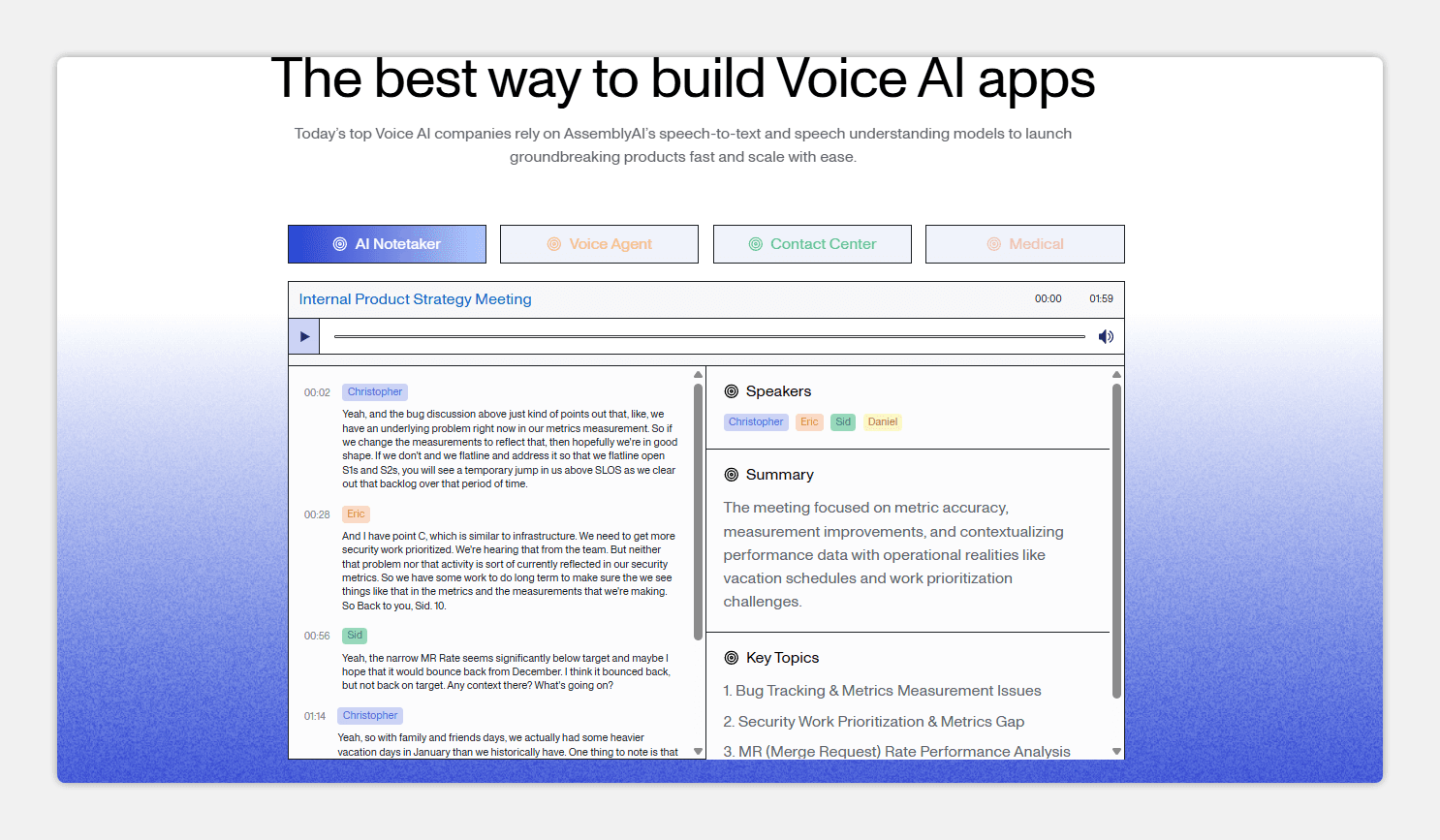
AssemblyAI is a cloud platform for AI text transcription, oriented toward developers. During text transcription, the system shows 94-97% accuracy in English. In Russian, around 85-90%.
The AssemblyAI neural network during text transcription doesn't just convert speech. During AI transcription, the system additionally analyzes content: highlights key moments, determines tonality, and finds emotions in speech. This is useful for analyzing client meetings.
During text transcription, AssemblyAI can separate speech from background music or noise. The neural network focuses on human voices during AI transcription. This helps when working with podcasts, street interviews, and meetings in noisy places.
AssemblyAI during text transcription works via API. The developer sends audio and receives back transcription with analysis. During AI transcription, you can configure what analysis is needed.
Key Features:
94-97% accuracy in English during text transcription
API for neural network integration when using transcription
Strengths:
High accuracy in English during AI text transcription
Speech emotion analysis during transcription helps understand communication quality
Good at separating voices from noise during AI transcription
Weaknesses:
Lower accuracy with Russian during AI text transcription
It's an API for developers, no ready interface during transcription
Cloud solution when using AI transcription
Can be expensive for large transcription volumes
AssemblyAI is suitable for companies that need client meeting analysis during AI text transcription.
5. Yandex SpeechKit — Russian Neural Network for Specialists
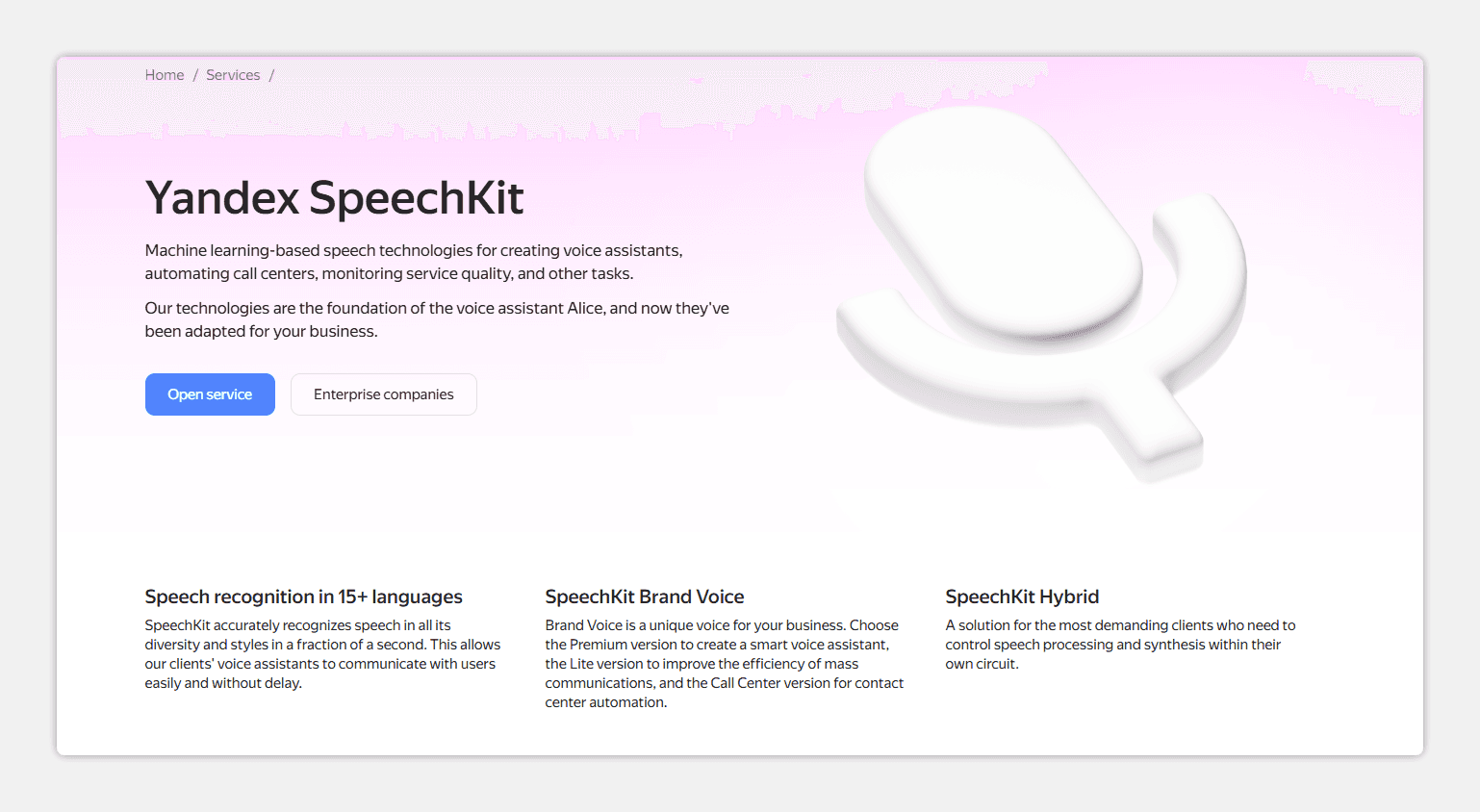
Yandex SpeechKit is a cloud service from Yandex for speech recognition during text transcription. This isn't a ready application but an API for developers and companies with IT teams. During AI text transcription, Yandex shows 95-97% accuracy in Russian.
The Yandex neural network during text transcription understands technical vocabulary, medical terms, and legal concepts well. During AI transcription, the system handles different accents and dialects of Russian. It's used by major companies like Skyeng, X5, and Raiffeisenbank.
During text transcription, Yandex SpeechKit can work in real-time. The neural network processes sound as it arrives, without delay during AI transcription. This is useful for live broadcasts and streams.
Yandex SpeechKit during text transcription allows deploying the neural network on the company's own servers. During AI transcription, data doesn't go to Yandex's cloud. This is critical for banks, lawyers, and healthcare.
Key Features:
Real-time recognition during AI transcription
API and on-premise capability when using the neural network
Strengths:
Best accuracy for Russian during AI text transcription
Understands technical and legal vocabulary during transcription
Works in real-time during text transcription
Weaknesses:
It's an API for developers, technical preparation required for transcription
No ready interface for regular users during AI transcription
Prices calculated by individual quotes for text transcription
Requires setup and integration when using the neural network
Yandex SpeechKit is suitable for large companies and developers who need the best accuracy during AI text transcription in Russian.
Where Companies Use AI Transcription
AI transcription has become necessary across various business areas. Wherever meetings and interviews happen, wherever calls are recorded, transcription is needed. This used to be manual work; now neural networks do it in minutes.
Sales departments use AI transcription to analyze client negotiations. After a meeting, the manager receives a transcription, sees what the client said, and what objections were raised. The neural network during text transcription highlights moments where the client was interested and where they had doubts. This helps improve sales techniques. Analyzing one negotiation used to take 30-40 minutes; with AI transcription — 5 minutes.
HR departments use AI transcription for processing interviews. The system during text transcription highlights what questions the recruiter asked, how the candidate answered, what went well, and what went poorly. The neural network during AI transcription can analyze the candidate's tonality: were they confident, were they nervous. This helps make decisions faster.
Media and podcasts use AI transcription to create content. A podcaster records an episode, uploads it to a transcription service. The neural network provides ready text in 5 minutes. This saves hours on manual transcription. The text can be used for a blog article, for SEO, for social media.
Lawyers and notaries use AI transcription for documenting client meetings. The system during text transcription creates an accurate meeting protocol, which can later be useful in court. The neural network during AI transcription can highlight important moments, names, and numbers.
Researchers and scientists use AI transcription for processing focus group interviews, analyzing lectures, and transcribing field recordings. Manual transcription of an hour-long interview takes 4-6 hours. With AI transcription, it takes 5-10 minutes. The researcher can spend that time on analysis, not typing.
How to Choose AI Transcription for Your Task
For corporate meetings in Russian. Choose mymeet.ai. This is the best neural network for Russian during text transcription. The system highlights tasks, agreements, and key decisions. The built-in AI chat allows asking questions about the transcription.
For podcasts and video blogs. If you just need audio transcription, Whisper (free, local) or mymeet.ai (with analysis) will work. If you need video processing, choose services that work with video files.
For sales analysis. Choose mymeet.ai or AssemblyAI (if the team works in English). Both services highlight key moments from negotiations during text transcription. This helps improve sales techniques.
For legal documents. Choose Yandex SpeechKit (on-premise, maximum confidentiality) or mymeet.ai (if you need ease of use). The neural network should work well with Russian during transcription.
For research and focus groups. If interviews are in Russian, use mymeet.ai or Yandex SpeechKit. If in English, Google Speech-to-Text or AssemblyAI will work. Maximum accuracy during transcription is needed.
Final Conclusion
AI transcription has changed how much time businesses spend processing audio. What used to take days now takes minutes. The neural network doesn't just convert speech to words — it analyzes content, highlights key moments, and identifies responsible parties.
Neural network choice depends on your language, task, and confidentiality requirements. For Russian business, it's better to choose local solutions like mymeet.ai or Yandex SpeechKit — they work better with Russian during AI text transcription. For English-speaking teams, Google Speech-to-Text or AssemblyAI will work.
Start with a free trial period. Upload your meeting, check transcription quality, see if the interface suits you. The right neural network will save hours weekly.
10 Questions About AI Transcription
Which neural network best recognizes Russian speech during text transcription?
mymeet.ai shows 96-98% accuracy during AI Russian speech transcription. Yandex SpeechKit is also good — 95-97%. Google Speech-to-Text drops to 88-92% for Russian during transcription. If you need maximum accuracy during AI text transcription, choose local solutions.
How accurate is AI transcription with poor audio?
Whisper handles poor audio well — 90-94% accuracy even with noise during text transcription. mymeet.ai requires cleaner audio for maximum accuracy during AI transcription. Google Speech-to-Text loses accuracy on noisy recordings to 85-88% during transcription.
Which neural network to choose for confidential information during text transcription?
Use Whisper (works locally on your computer) or Yandex SpeechKit (on-premise on your servers). During AI text transcription, cloud solutions send data to company servers, which can be a problem for lawyers, banks, and doctors.
How long does AI transcription take?
Cloud solutions process an hour of audio in 5-10 minutes during text transcription. Whisper on a local computer is slower — 30-60 minutes depending on power during AI transcription. Real-time (during recording) is supported by Yandex SpeechKit and some other neural networks during transcription.
What audio formats do neural networks support during text transcription?
Most services support MP3, WAV, FLAC, M4A, OGG during AI text transcription. mymeet.ai supports all popular formats during transcription. Check the specific neural network's website before uploading when using AI transcription.
Can a neural network separate speakers during text transcription?
Yes, almost all modern neural networks support diarization — identifying different speakers during AI text transcription. mymeet.ai, Google Speech-to-Text, and AssemblyAI distinguish speakers well during transcription. In meetings with 5-6 participants, accuracy remains high when using AI transcription.
Can you edit the transcription after AI processing?
Yes, all services allow editing during text transcription. mymeet.ai has a built-in editor with audio playback during AI transcription. Other services send text in a format that can be opened in Word during transcription.
Which neural network to choose for live broadcasts and streams?
Yandex SpeechKit and some other neural networks support real-time processing during AI text transcription. Cloud solutions like Google Speech-to-Text can process as a stream during transcription. Check documentation before using AI transcription.
Is data processing in Russia required during text transcription?
If confidentiality is critical, use Yandex SpeechKit (on your servers) or Whisper (locally). Cloud solutions from Google and AssemblyAI process data on their servers during AI text transcription, which can be a problem for banks and government agencies.
Which neural network to choose for analyzing negotiation quality during transcription?
mymeet.ai automatically highlights tasks and key moments during AI text transcription. AssemblyAI analyzes emotions and tonality during transcription. If you need simple transcription with minimal analysis, Whisper or Google Speech-to-Text will work when using AI transcription.
Radzivon Alkhovik






