

Technology & AI

Andrey Shcherbina
·
Updated on
Meeting video is an archive of information. An hour of Zoom recording contains hundreds of decisions and agreements. But video is impossible to search. You need video to text transcription.
Manual transcription takes hours. One hour of video means 4-6 hours of manual work. With 50 meetings per week, a company spends 200+ hours per month. That costs money.
Automatic video to text transcription solves this problem. Upload a meeting video — get the full text with timestamps in 5-10 minutes. The system doesn't just convert speech to words; it analyzes content, identifies speakers, and creates summaries.
We tested 7 top services on 100+ hours of real recordings: corporate meetings, webinars, and interviews. We found out which works better with Russian video, which process faster, and which provide additional functionality.
How Video Transcription Works
When you upload video to a video to text transcription service, the system first extracts the audio track from the video file. Then it processes it like a regular audio file: analyzes sound waves, recognizes speech, and adds punctuation. At the final stage, text is synchronized with video — each word is linked to a moment in time.
Modern systems use neural networks trained on hundreds of thousands of hours of real speech. The system understands context, can distinguish homonyms, and handles accents and different speech speeds. The best platforms achieve 95-98% accuracy on clean recordings.
Video transcription is more complex than audio processing because video content must be considered. The system must identify different speakers and understand who is talking. In meetings with multiple participants, the system separates statements by speaker.
7 Services for Video to Text Transcription
Service choice depends on language, video quality, work volume, and required functionality. Some platforms are optimal for corporate meetings, others for podcasts, and others for working with video archives. We selected the 7 best. The first service differs dramatically from the rest — it analyzes video content, extracts tasks, and works with video conferencing integrations. The others focus on speech-to-text conversion.
1. mymeet.ai — Best Service for Video Transcription in Russian
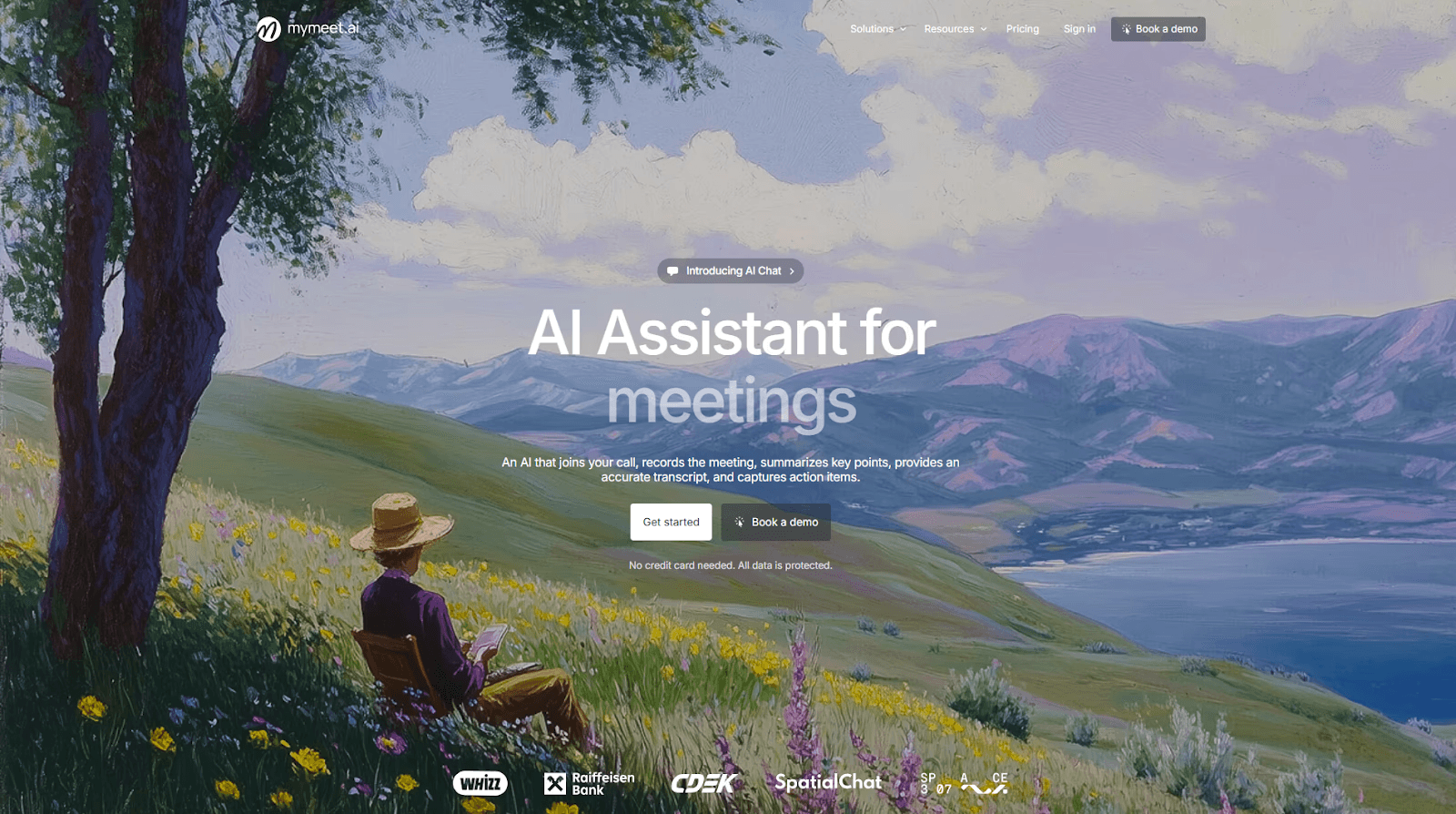
mymeet.ai takes first place for video transcription accuracy in Russian. It's a complete platform for working with meeting video recordings: the system transcribes video, analyzes content, extracts tasks, and allows searching information without rewatching the entire video recording.
Accuracy — 96-98% on clean recordings. The best result among all tested services. The system understands business context: "force majeure," "sales funnel," "KPI" are recognized without errors. One hour of video is processed in 5 minutes.

The main advantage — built-in media player with synchronization. Watch the video while reading the transcript, words are highlighted at the moment of speaking. Click on any phrase — video jumps to that moment. This is critical for quality checking.
Key Features:
96-98% accuracy in Russian

Built-in media player with video-text synchronization
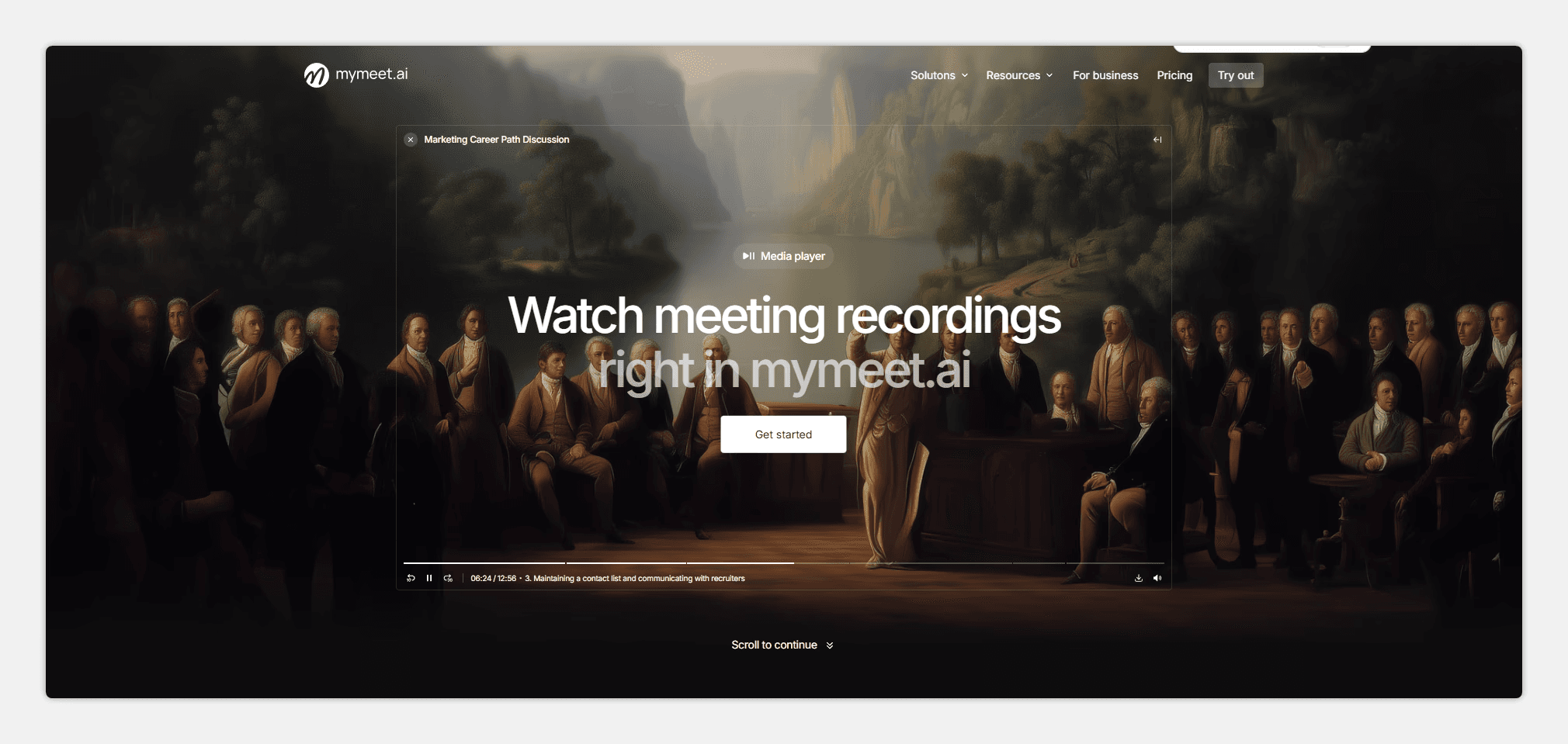
Timestamps for quick navigation to specific moments
Automatic task extraction with responsible parties and deadlines
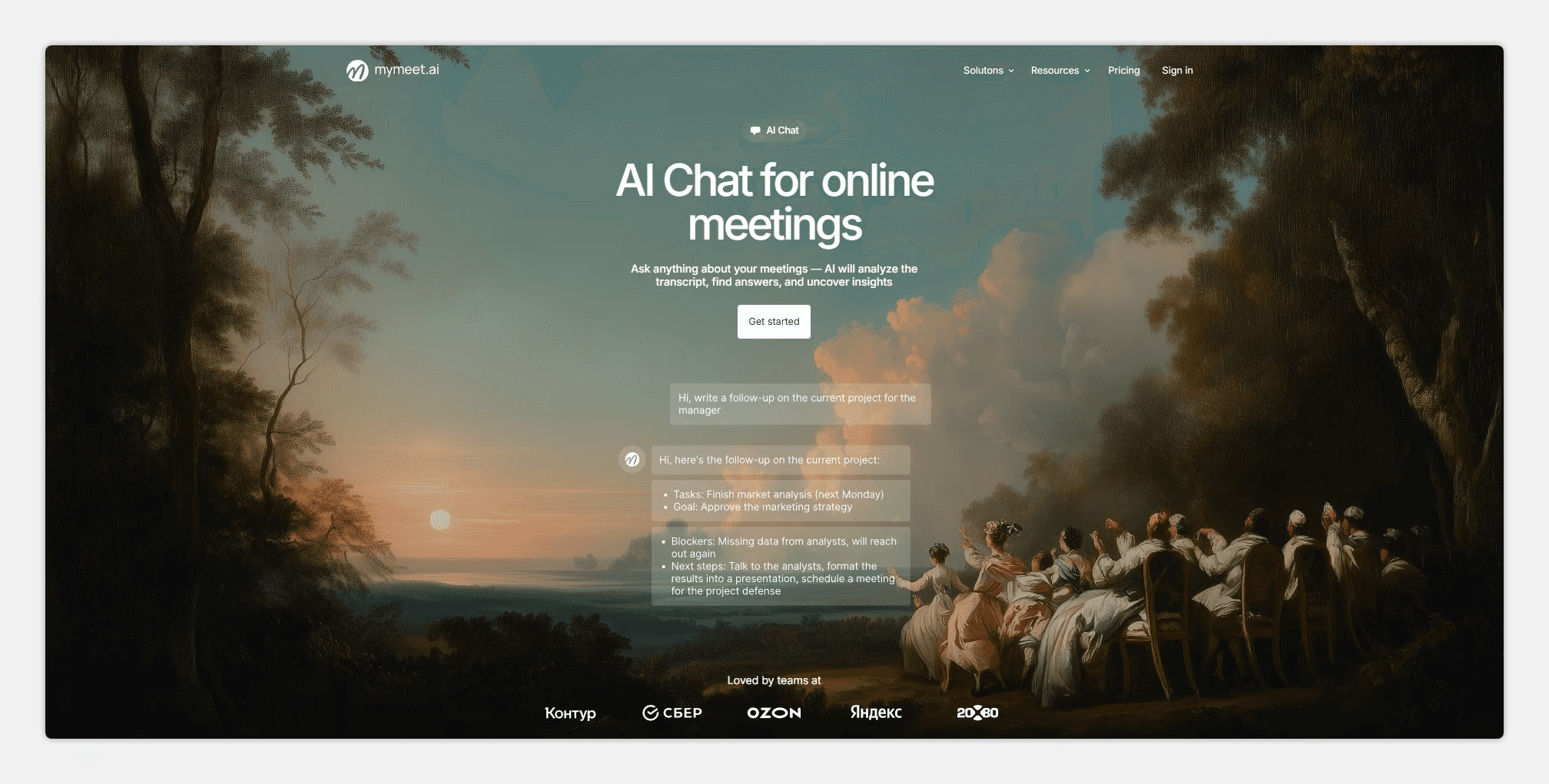
AI chat for questions about video content
Speaker separation with renaming capability

Integration with Zoom, Google Meet, Teams, Yandex Telemost
Support for 73 languages
Filler word removal on paid plans
Export to DOCX, PDF, Markdown, JSON, SRT
Strengths:
Best accuracy for Russian among all services
Media player built-in — watch video and read transcript simultaneously
AI chat allows asking "What decisions were made?" and getting an answer with timestamp
Automatically extracts tasks — saves hours on video processing
Integrates with Russian video conferencing platforms
180 minutes free without credit card
Weaknesses:
Designed for meetings, functionality may be excessive for simple transcription
Interface requires 5-10 minutes to learn
Requires internet for work
mymeet.ai is the choice for those who need video to text transcription with smart analysis. The system extracts tasks, agreements, and key moments automatically. Built-in player allows watching video and reading transcript simultaneously. For corporate video recordings in Russian — the best service.
2. Descript — Video Editing Through Transcript
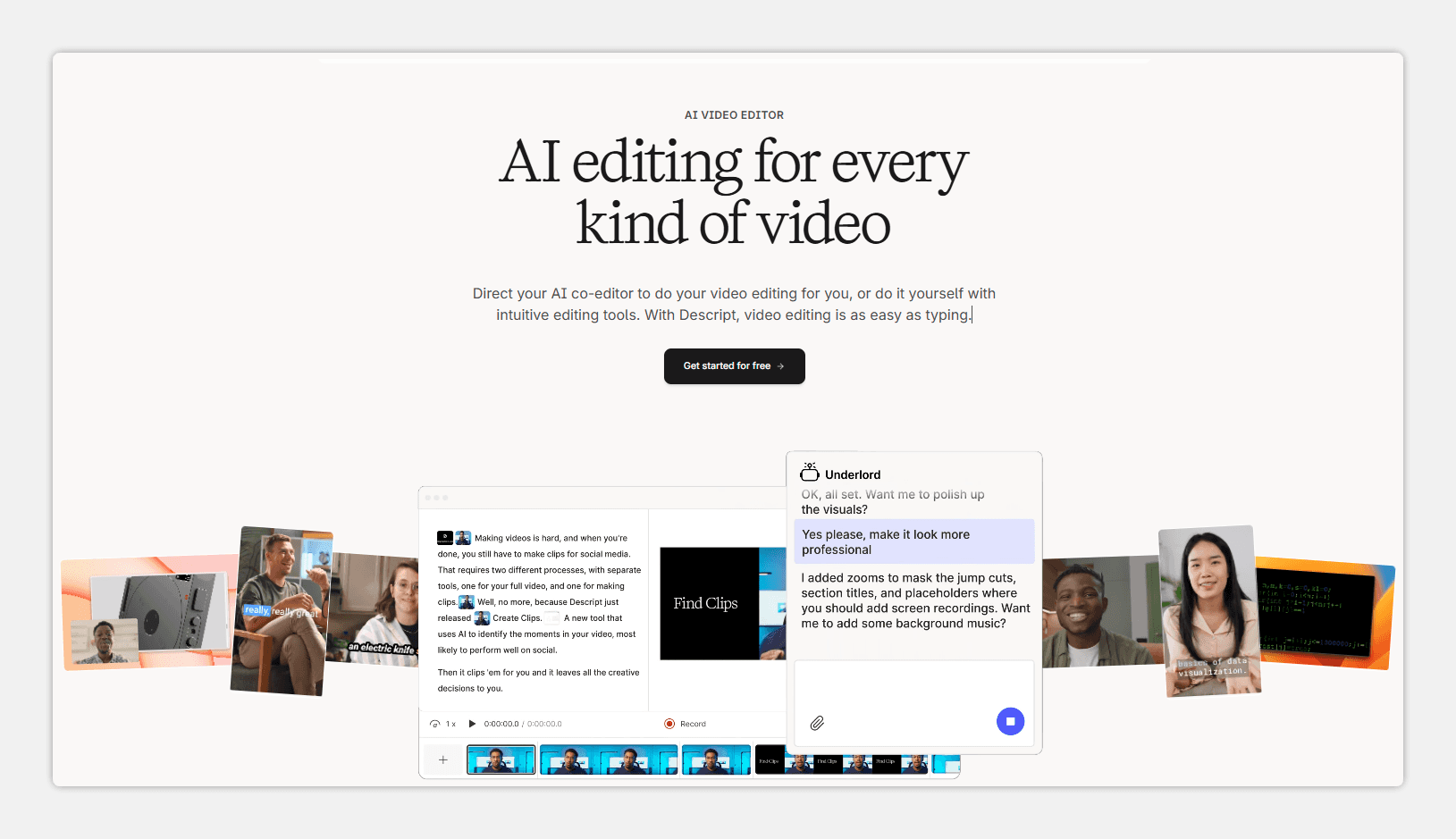
Descript works differently. Edit video by changing text. Delete a word from the transcript — it disappears from the video. 85-90% accuracy in Russian.
Key Features:
Video editing through transcript
Automatic filler word removal
Built-in tools for sound improvement
Strengths:
Revolutionary approach — saves hours on video editing
Filler word removal works well
Built-in tools for sound improvement
Weaknesses:
Lower accuracy in Russian (85-90%)
Many errors on technical content
Depends on stable internet
More complex interface for beginners
Descript is suitable for podcasters and video bloggers.
3. Google Speech-to-Text — Scalable Video Transcription
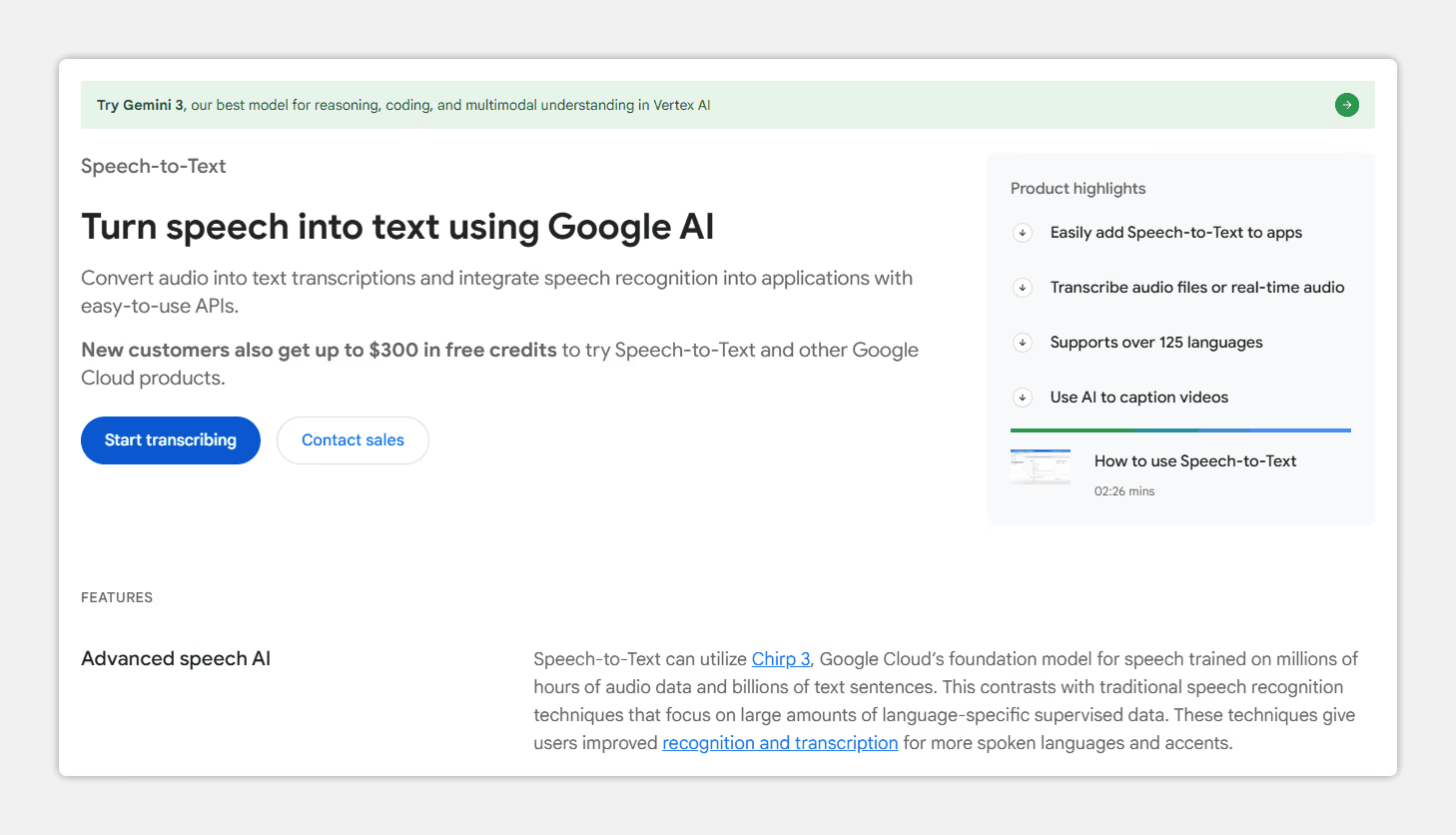
Google processes video through cloud API. 92-96% accuracy in English, 88-92% in Russian. This is an API for developers.
Key Features:
Support for 120+ languages
Speaker separation
Processing large video volumes
Strengths:
Handles background noise
Can be integrated via API
Wide language support
Weaknesses:
It's an API for developers, no ready interface
Lower accuracy with Russian (88-92%)
Cloud solution — data goes to Google servers
No video content analysis
Google Speech-to-Text is suitable for companies with IT teams.
4. Sonix — Batch Video Transcription
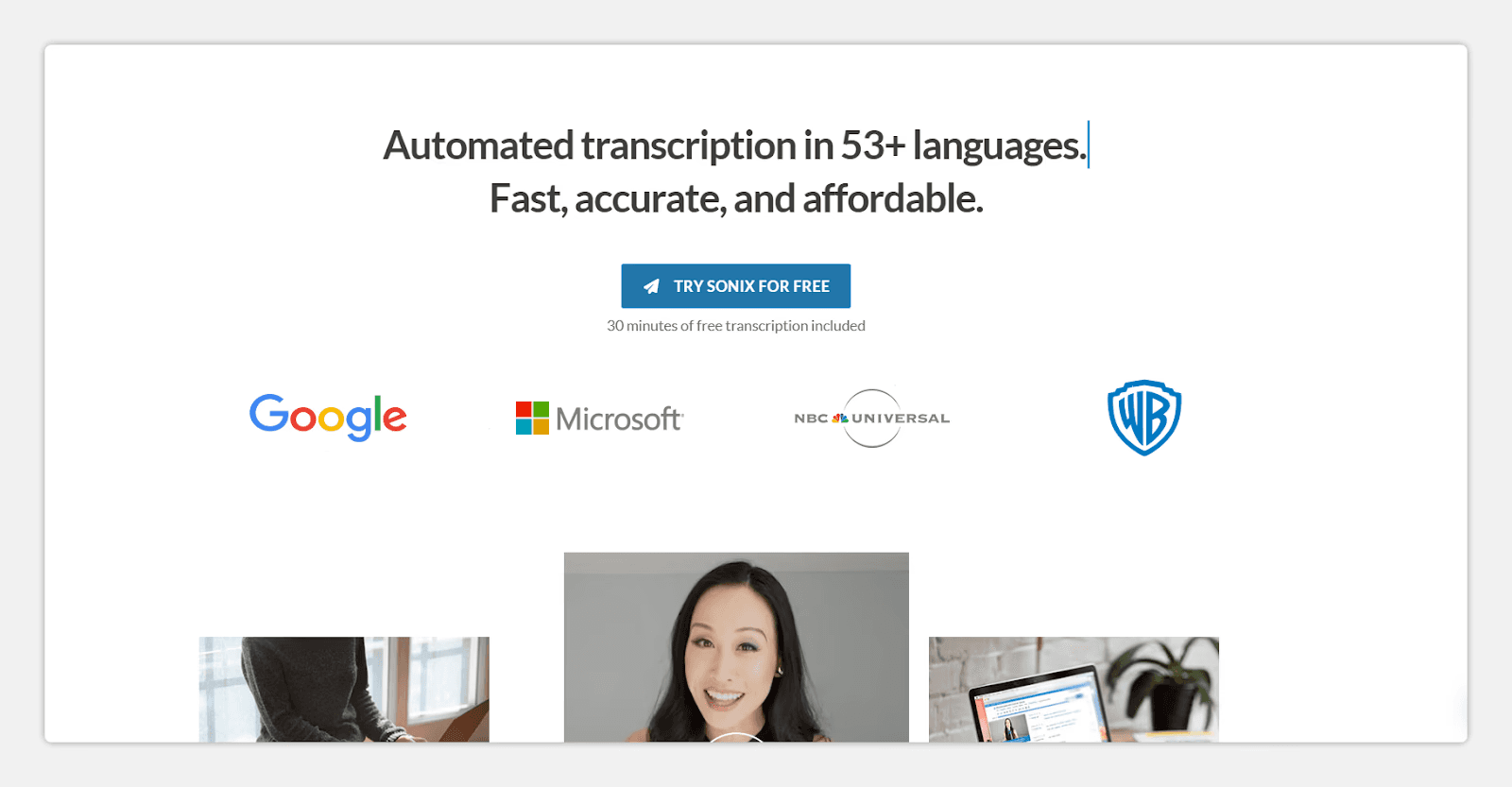
Sonix processes video in batches. Upload 50 videos — they all process simultaneously. 90-92% accuracy in Russian, 94-96% in English.
Key Features:
Batch video upload
Built-in translation into 39 languages
Search across all transcripts
Strengths:
Scalability for large volumes
Built-in translation
Search across transcripts
Weaknesses:
Lower accuracy in Russian
Hybrid pricing can be confusing
No built-in video player
Interface only in English
Sonix is suitable for media companies working with large archives.
5. Speech2text — Russian Service for Video Transcription
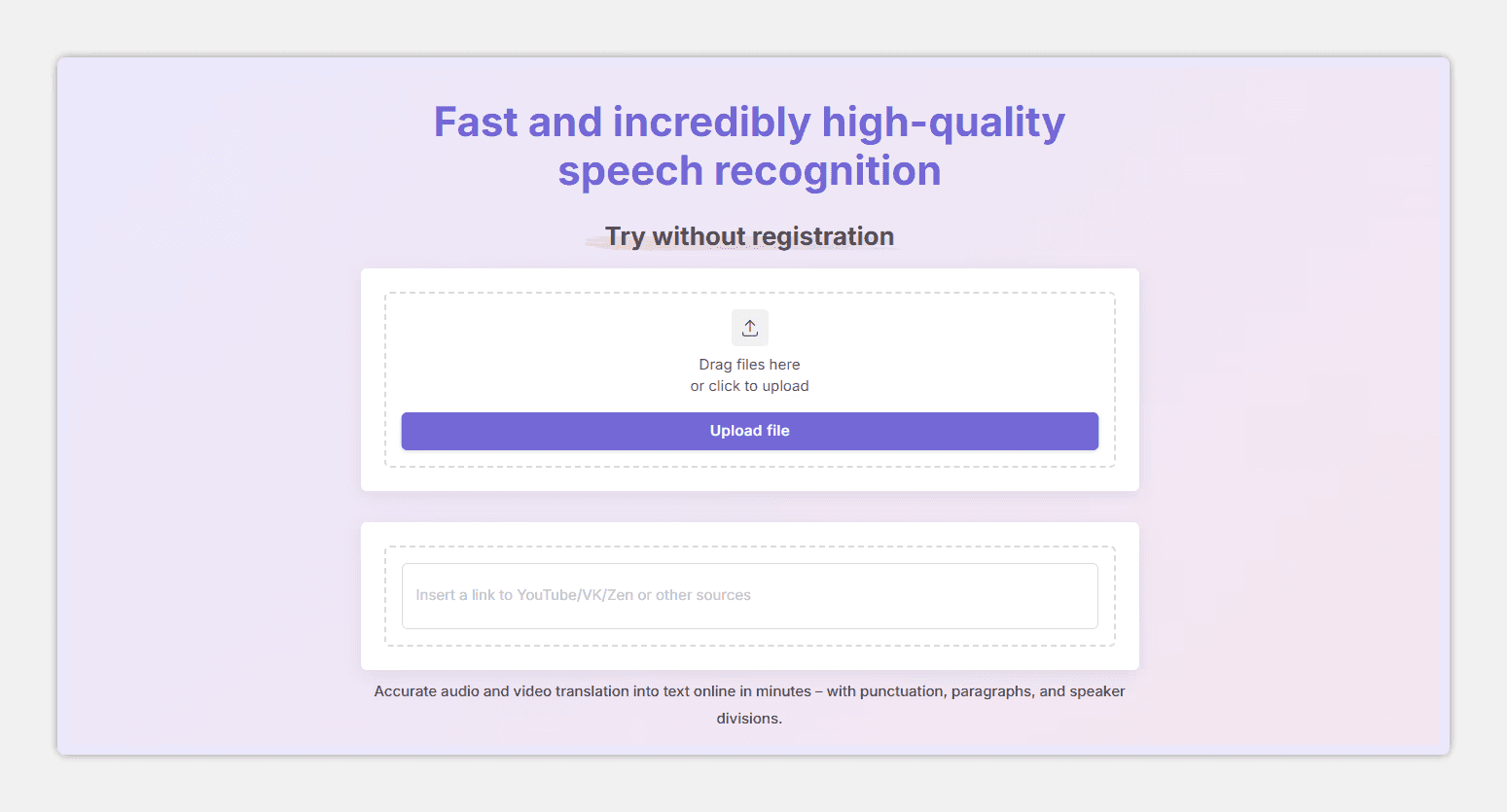
Speech2text is developed in Russia and works well with Russian video. 94-96% accuracy even with poor audio. You can upload YouTube links directly.
Key Features:
94-96% accuracy for Russian
Direct YouTube link upload without downloading
Subtitle creation (SRT, VTT formats)
Strengths:
High accuracy even with poor audio
Can upload YouTube links without downloading
Fast video processing
Weaknesses:
Minimalist interface
No built-in editor
No video content analysis
Less functionality for complex work
Speech2text is suitable for YouTube channels and podcasters.
6. Rev — Hybrid Video Transcription
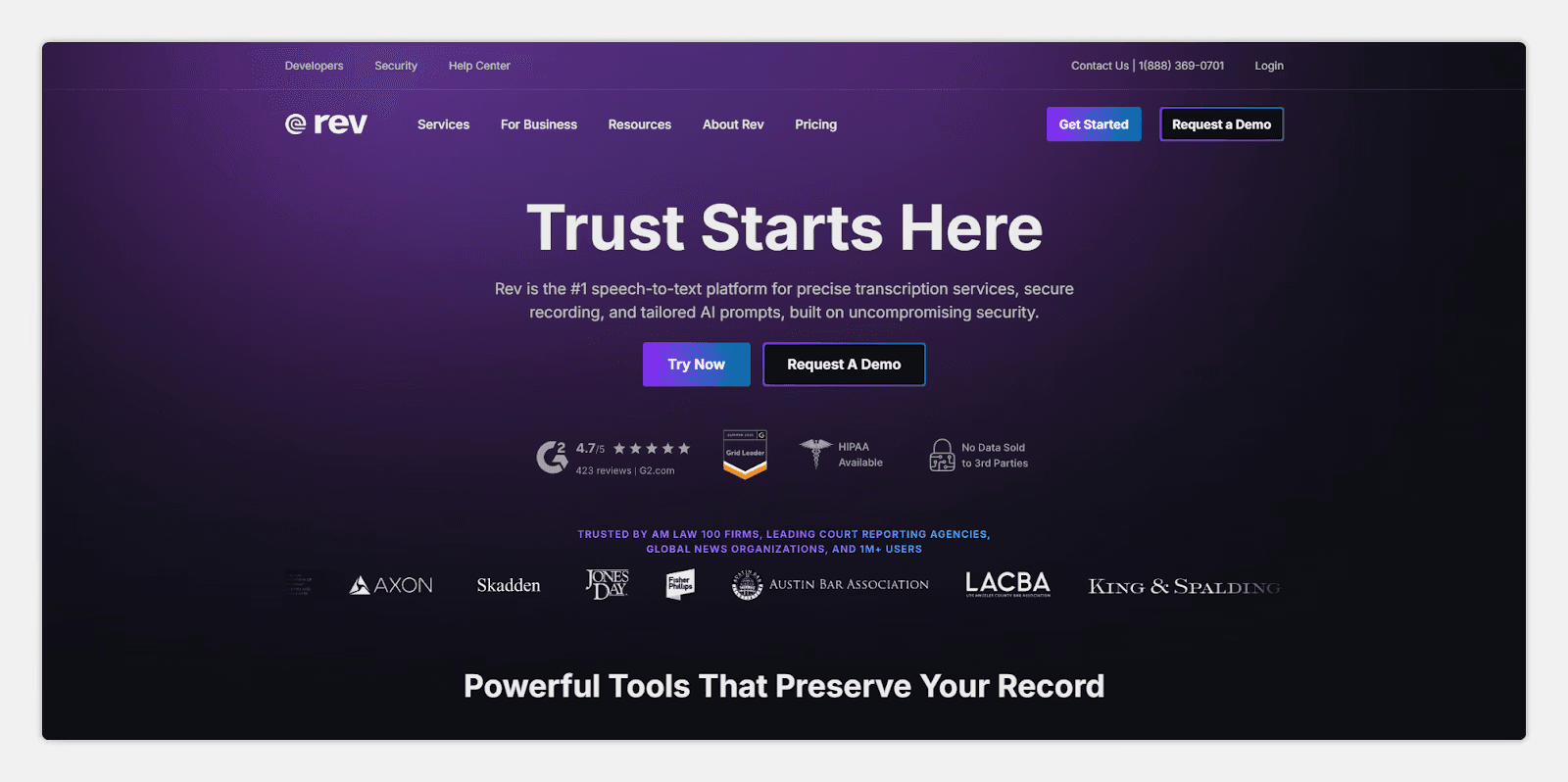
Rev combines automatic video to text transcription with professional transcriber services. Guarantees up to 99% accuracy with manual review. Automatic processing shows 92% accuracy.
Key Features:
Automatic and manual processing options
Subtitle creation
Translation services
Strengths:
Exceptional accuracy with manual review (99%)
Specialized services (subtitles, translation)
Handles specialized terminology
Weaknesses:
Expensive, especially with manual review
Slow processing with manual transcription (up to an hour)
Lower accuracy in Russian with automatic processing
No built-in video player
Rev is suitable for important documents and legal videos.
7. Kapwing — Browser-Based Video Transcription
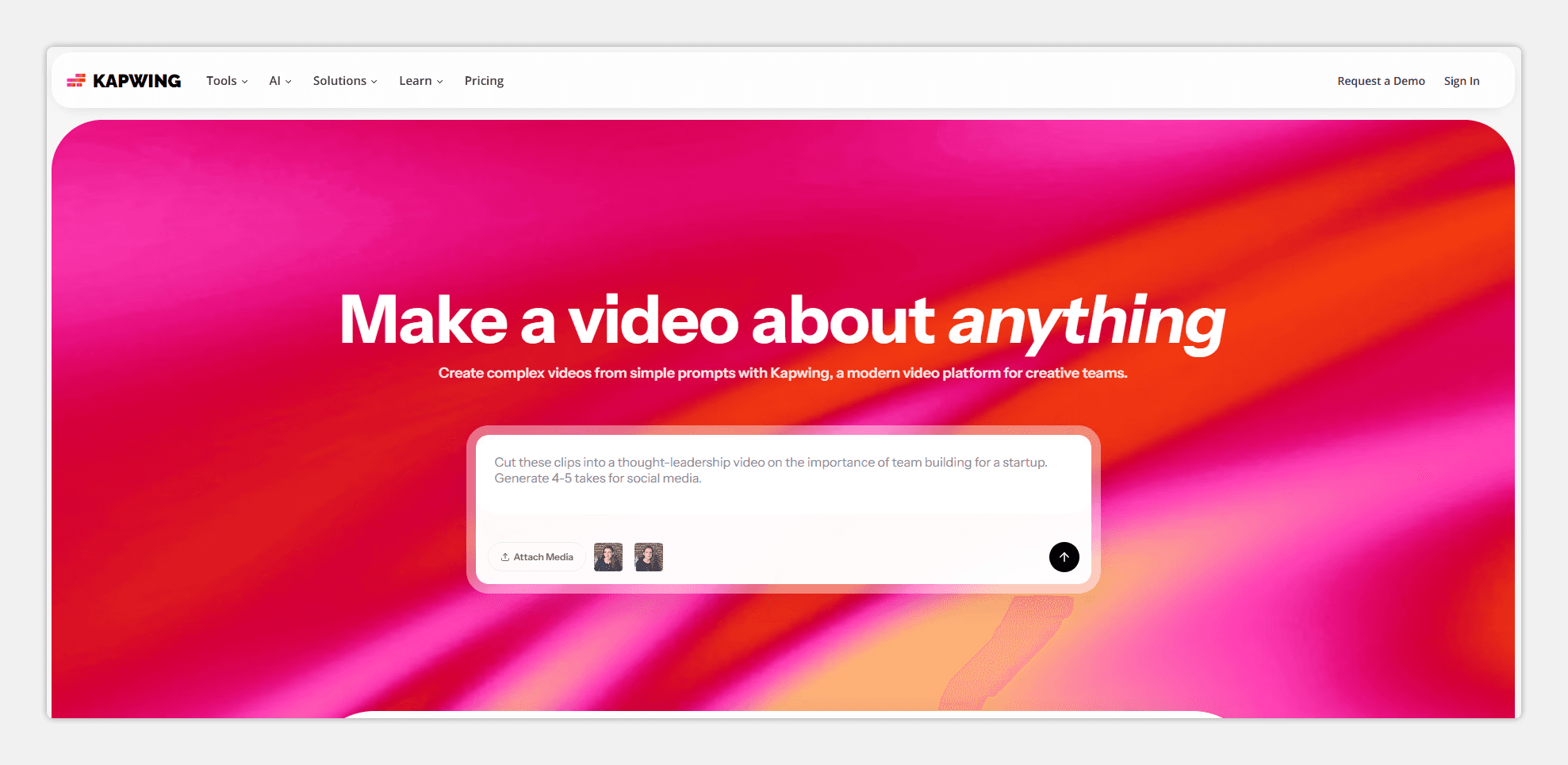
Kapwing is a browser service without installing programs. Upload video, get transcript, edit and export subtitles. 88-91% accuracy for Russian.
Key Features:
Video transcription directly in browser
Built-in subtitle editor
Export to SRT, VTT
Strengths:
Works in browser without installation
Simple interface
Quick subtitle export
Weaknesses:
Lower accuracy in Russian (88-91%)
No speaker separation
Video length limitations on free plan
No video content analysis
Kapwing is suitable for quick subtitle creation.
Comparison Table
Before choosing a service, it's important to understand which characteristics are critical for your task. Need maximum accuracy in Russian — choose mymeet.ai or Speech2text. Processing speed matters — Speech2text. Need video content analytics — only mymeet.ai.
Service | Russian Accuracy | Speed | Main Feature |
mymeet.ai | 96-98% | 5 min per 1 hour | Analysis + media player + timestamps |
Descript | 85-90% | 3-5 minutes | Video editing through text |
Google Speech-to-Text | 88-92% | 2-3 min | 120+ languages, API integration |
Sonix | 90-92% | 5-15 minutes | Batch processing + translation |
Speech2text | 94-96% | 10 minutes | YouTube links + poor audio |
Rev | 92% (auto) / 99% (manual) | 5-60 minutes | Manual quality review |
Kapwing | 88-91% | 8-12 minutes | Browser, no installation |
For the Russian market, local solutions (mymeet.ai, Speech2text) deliver the best results — they show 94-98% accuracy. For English content, Google Speech-to-Text and Rev work well. Each service is optimal for its tasks — it's important to choose for your situation.
Where Video Transcription Is Used
YouTube channels use video transcription for SEO. Text from video becomes the basis for a blog article. This improves video search and increases viewing time.
Podcasts use video to text transcription for content creation. Text can become an article, newsletter, or social content.
Web conferences — companies record meetings and transcribe video for archives. Employees can search information by text instead of rewatching video.
Education — universities transcribe lecture videos. Students get transcripts and can study material in a convenient format.
Content marketing — agencies transcribe video to create articles, posts, and descriptions. This saves time on content creation.
How to Choose the Right Service for Video to Text Transcription
For YouTube and video blogs. Choose mymeet.ai (with content analysis) or Speech2text (with direct YouTube link upload). Both create subtitles and show good accuracy.
For podcasts. Descript (if text-based editing is needed) or Speech2text (if just transcription). Both work well with media content.
For corporate meetings. mymeet.ai with automatic task and decision extraction. This saves time on video viewing.
For large volumes. Sonix (for batch processing) or Speech2text (for fast processing). Both are suitable for regular work with large volumes.
For maximum quality. Rev (manual review up to 99%) or mymeet.ai (automatic 96-98% quality). Rev is slower and more expensive but guarantees accuracy.
For simplicity and speed. Kapwing is suitable for those who need video transcription without extra features. Upload video, get text. 88-91% accuracy is acceptable for basic tasks.
Final Conclusion
Video transcription has evolved from a niche tool to a business necessity. What used to take hours now takes minutes. Neural networks don't just convert speech to words — they understand context, extract tasks, and analyze video content.
For the Russian market, the clear leader is mymeet.ai. Shows 96-98% accuracy, automatically extracts tasks and agreements, integrates with video conferencing platforms. Built-in media player allows watching video and reading transcript simultaneously.
If you need flexibility and speed — Speech2text. If maximum quality — Rev. If text-based editing — Descript. If a browser solution — Kapwing.
Start with 180 minutes of free mymeet.ai testing. Enough to process several real video recordings from your team and evaluate quality.
10 Questions About Video to Text Transcription
1. Which service best transcribes video to text in Russian?
mymeet.ai shows 96-98% accuracy for video to text transcription in Russian. Speech2text is also good — 94-96% when transcribing video to text. For maximum quality, choose these two for video to text transcription.
2. How fast does video to text transcription happen?
mymeet.ai processes an hour of video in 5 minutes for video to text transcription. Speech2text in 10 minutes when transcribing video to text. Other services — 5-15 minutes for video to text transcription. Speed depends on video quality when transcribing video to text.
3. Which video to text transcription to choose for YouTube?
Speech2text allows uploading YouTube links directly for video to text transcription without downloading files. mymeet.ai creates subtitles and analyzes content when transcribing video to text. Both are good for YouTube content with video to text transcription.
4. Can you transcribe video to text and create subtitles simultaneously?
Yes. mymeet.ai, Speech2text, Descript, and Rev create SRT files (subtitles) for video to text transcription. Can be used immediately in video editors after transcribing video to text. This saves time with video to text transcription.
5. Which video to text transcription to choose for confidential information?
Use local solutions for video to text transcription for maximum confidentiality. Cloud services send data to their servers when transcribing video to text, which can be a problem for banks and government agencies needing video to text transcription.
6. What video formats do services support for video to text transcription?
Most services support MP4, MKV, AVI, MOV, FLV, WMV for video to text transcription. mymeet.ai supports all popular formats when transcribing video to text. Check documentation before uploading for video to text transcription.
7. Can neural networks separate speakers during video to text transcription?
Yes. mymeet.ai, Speech2text, and Google Speech-to-Text distinguish speakers well for video to text transcription. In meetings with 5-6 participants, accuracy remains high when transcribing video to text. The system automatically renames speakers during video to text transcription.
8. Which video to text transcription to choose for large volumes?
Sonix and Speech2text handle batch processing for video to text transcription. Sonix processes simultaneously when transcribing video to text, Speech2text processes quickly for video to text transcription. Both are good for large volume video to text transcription.
9. Can a service analyze video content during video to text transcription?
mymeet.ai analyzes content during video to text transcription. The system extracts key moments, decisions, and tasks when transcribing video to text. Other services simply convert speech to words for video to text transcription.
10. Which video to text transcription to choose for editing after processing?
mymeet.ai has a built-in editor with video playback for video to text transcription. Descript allows editing video through text when transcribing video to text. Kapwing has a built-in subtitle editor for video to text transcription. All three are convenient after automatic video to text transcription processing.
Andrey Shcherbina






