

Technology & AI

Fedor Zhilkin
·
Updated on
Every day, millions of people dictate instead of typing. A journalist records an interview. A manager runs a meeting. A researcher collects data. They all save hours with one tool — online speech to text conversion.
The problem is simple: after recording, the real work begins. One hour of audio turns into 4-6 hours of manual note-taking. Details get lost, quotes get missed, agreements get forgotten. This costs money and time.
The solution is even simpler: upload a recording, get the full transcript in a minute. A speech to text service separates speakers, adds timestamps, and highlights key points. Now you're working with text, not rewinding audio.
The question isn't whether you need speech to text. The question is which service to choose. We tested 5 of the best on real data: Zoom meetings, podcasts, interviews, lectures. Here's what we found.
How Online Speech to Text Works
When you upload audio to a transcription service, multi-stage processing begins. Each stage affects the final quality of speech to text conversion.
Audio preparation. The system breaks the recording into segments, normalizes volume, and filters background noise. This improves recognition quality even on imperfect recordings.
Speech recognition. A neural network analyzes the sound wave and converts it into words. Modern speech to text models are trained on millions of hours of live speech, understand context, distinguish homophones, and adapt to accents.
Formatting. The raw stream of words becomes readable text: the system adds punctuation, divides into paragraphs, and recognizes proper nouns.
The baseline accuracy of modern speech to text services is 85-95% on clean recordings with a single speaker. On challenging recordings (noise, multiple voices, poor microphone), results can be lower.
Advanced Features of Speech to Text Services
Not all speech to text tools work the same way. Here's what sets the best services apart from basic solutions.
Speaker separation (diarization). The system identifies who's speaking and labels each utterance. Critical for interviews, calls, and meetings.
Word-level timestamps. Every word is linked to a moment in the recording. You can click on a phrase and jump straight to that audio segment.
95-98% accuracy. The best speech to text services achieve this through specialized models and post-processing. On clean single-speaker recordings, results are nearly error-free.
High accuracy on challenging recordings. 90%+ even on meetings with noise and multiple participants.
What Else Online Speech to Text Services Can Do
Good speech to text services offer more than just transcription. Here are the tools available for working with results.
AI assistant. A chat that answers questions about the recording's content. You can ask "What was agreed?" or "What tasks were assigned?" and get an answer without re-reading the entire transcript.
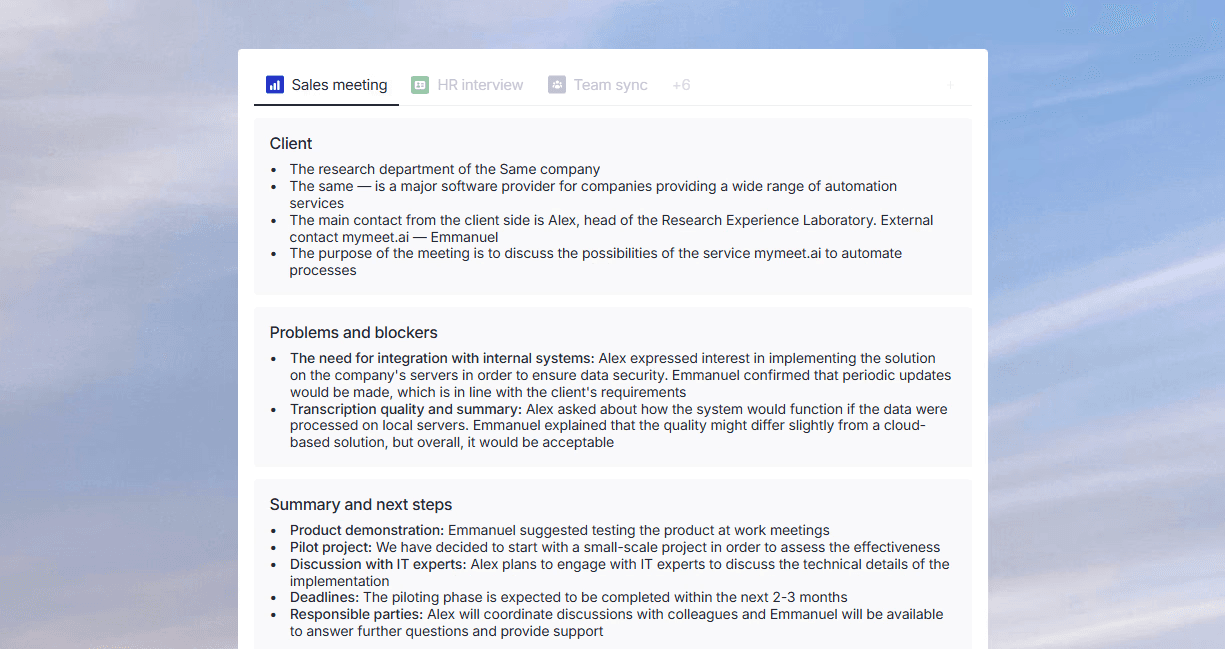
Ready-made reports. Automatic summary, meeting minutes, task lists, key points. Saves time on manual processing of speech to text results.
Built-in player. Audio or video playback right in the interface, synchronized with text. Convenient for review and editing.
Export in multiple formats. TXT, DOCX, SRT for subtitles, PDF. Some speech to text services support integrations with Notion, Google Docs, and other tools.
Team collaboration. Shared access, comments, editing. Useful for teams working with the same recordings.
When choosing a speech to text service, look at both recognition quality and what you can do with the results.
Top 5 Online Speech to Text Services
We tested each service on identical recordings: a one-hour Zoom meeting, a 20-minute interview with background noise, and a lecture with technical terms. Here's our ranking of the best speech to text tools.
1. mymeet.ai — Best Speech to Text Service
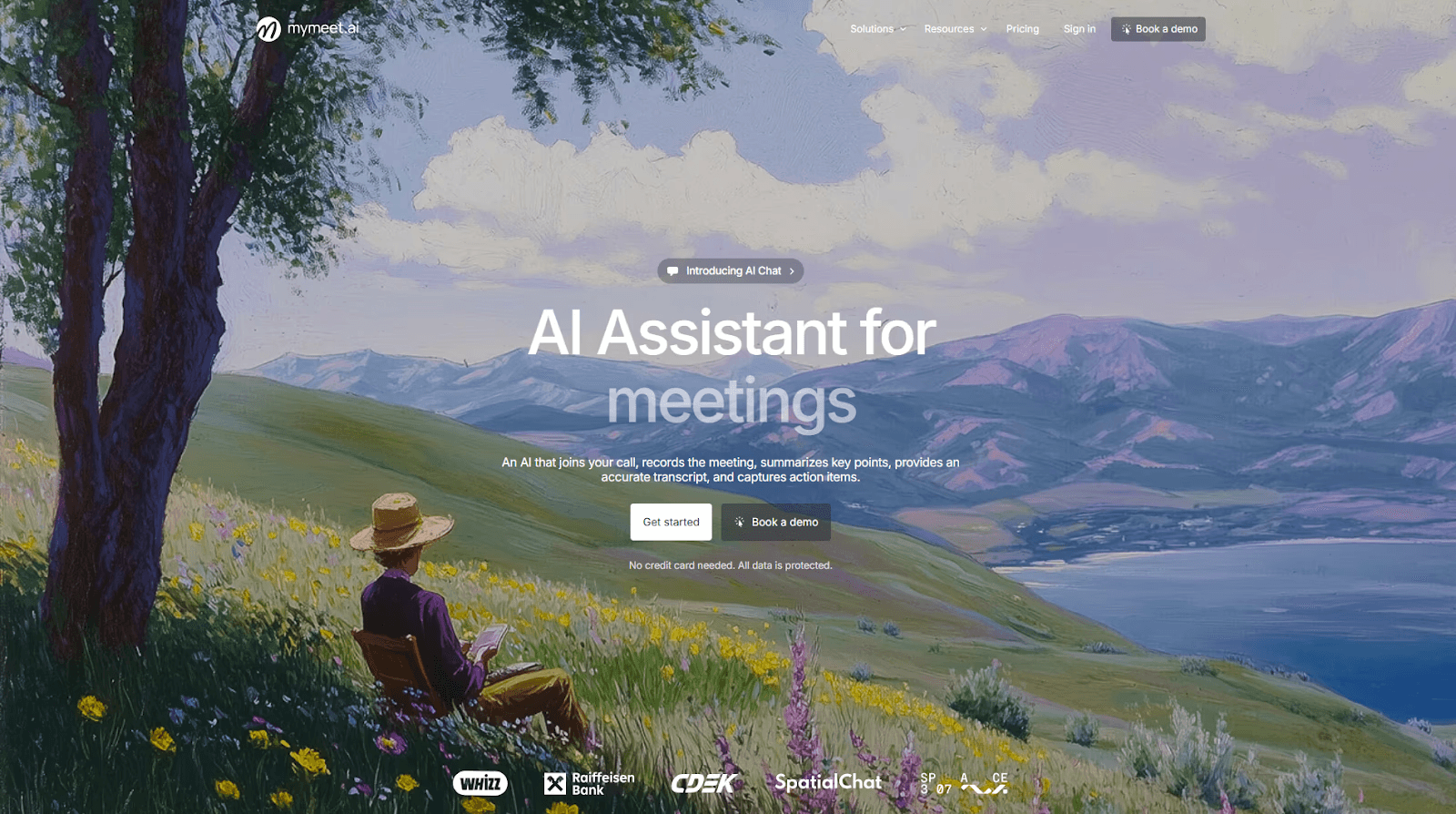
mymeet.ai is a full-featured platform for working with audio recordings. The system converts speech to text, analyzes content, extracts tasks, and lets you search for information without rewatching recordings.
Speech to text accuracy is 96-98% on clean recordings. This is the best result among all tested services. The system understands business context: "force majeure," "sales funnel," "KPI" are recognized without errors. One hour of audio is processed in 5 minutes.
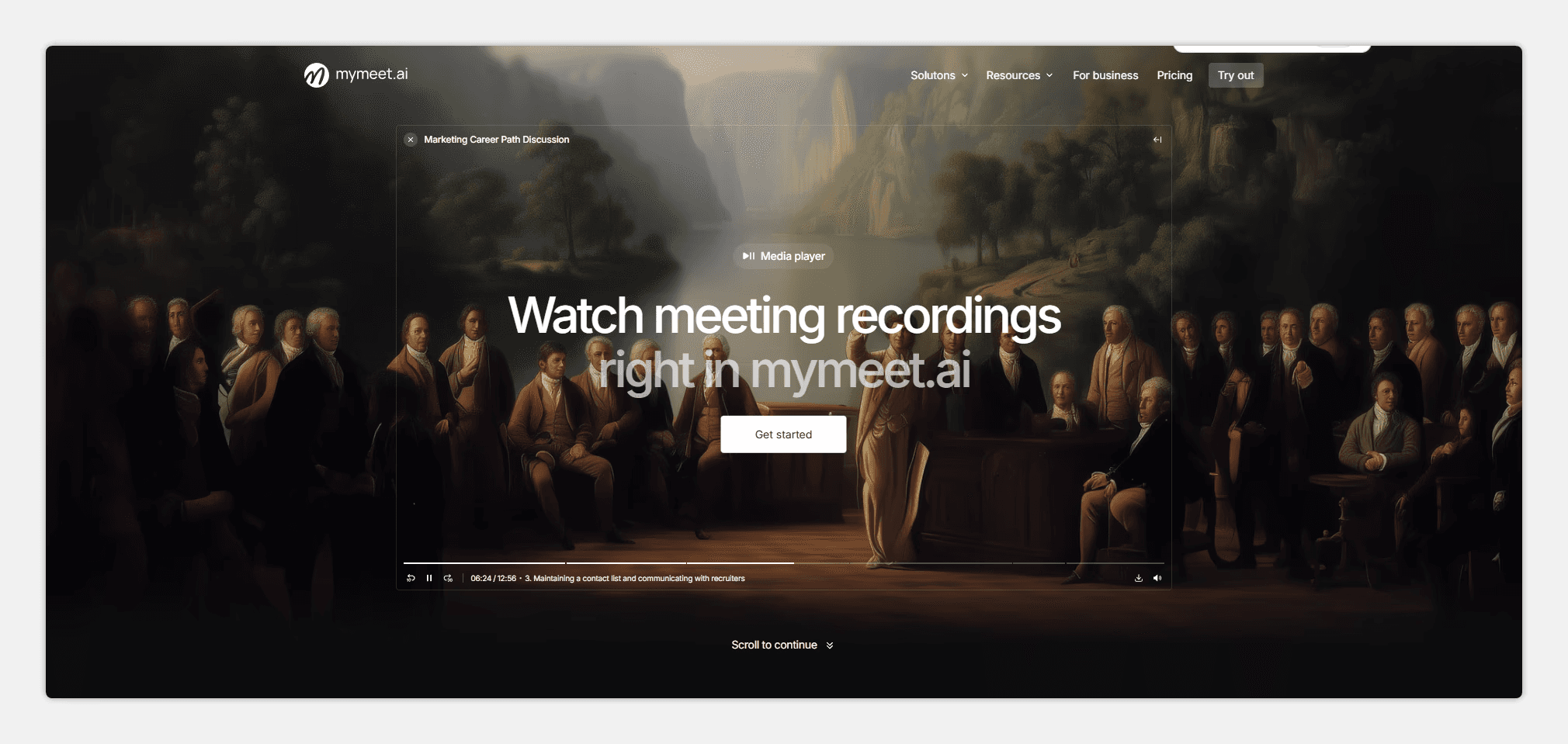
The main advantage is the built-in media player with synchronization. You listen to audio while reading the transcript. Words are highlighted as they're spoken. Click on a phrase — the audio jumps to that moment.
Key features:
96-98% speech accuracy for Russian
Built-in media player with text-audio synchronization
Timestamps for quick navigation to any moment
Automatic extraction of tasks and agreements
AI chat for questions about recording content
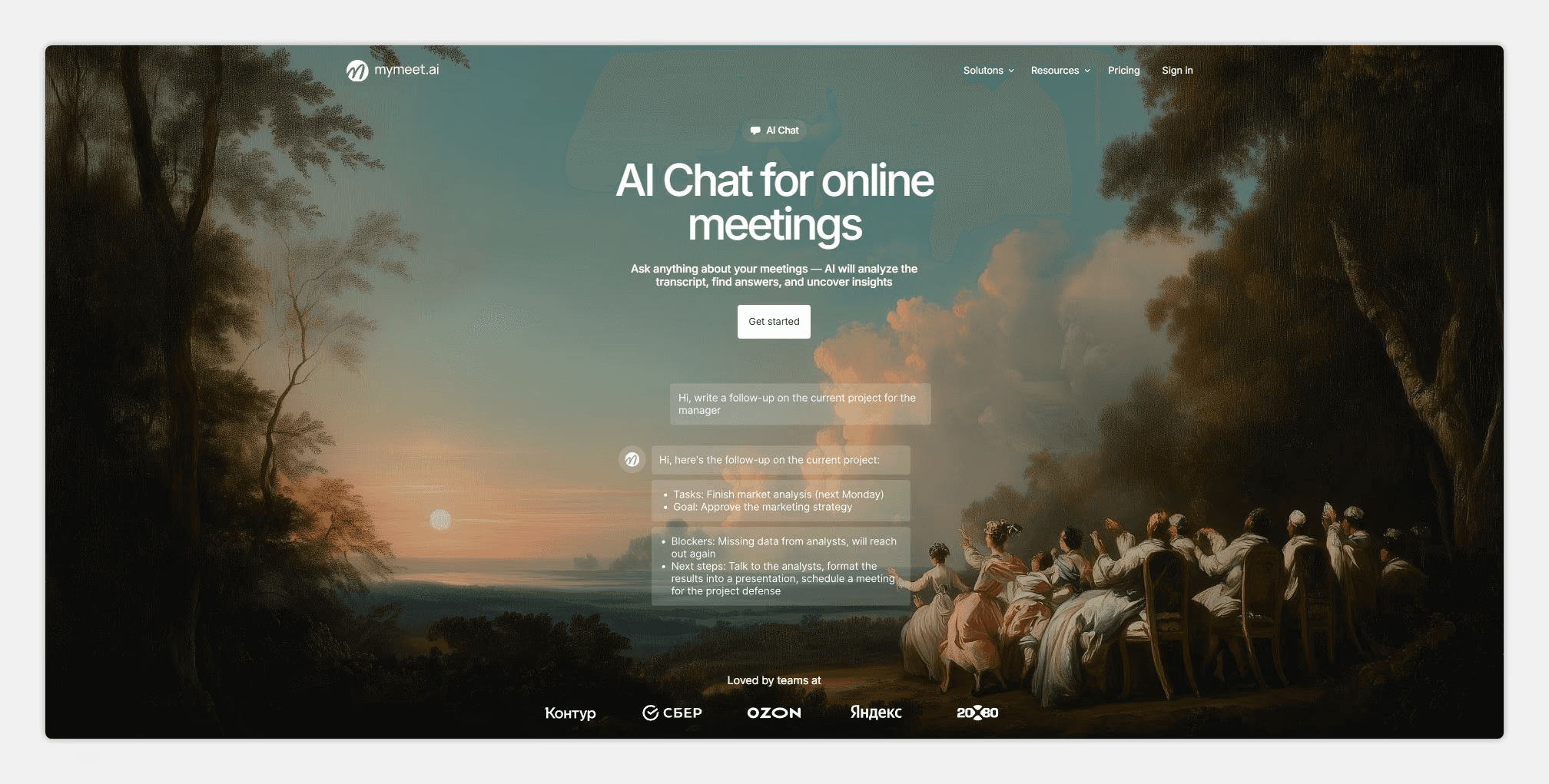
Speaker separation
Integration with Zoom, Google Meet, Teams, Yandex.Telemost (Russian video conferencing service)
Support for 73 languages for speech to text
Filler word removal on paid plans
Export to DOCX, PDF, Markdown, JSON, SRT
Strengths:
Best speech to text accuracy for Russian among all tested
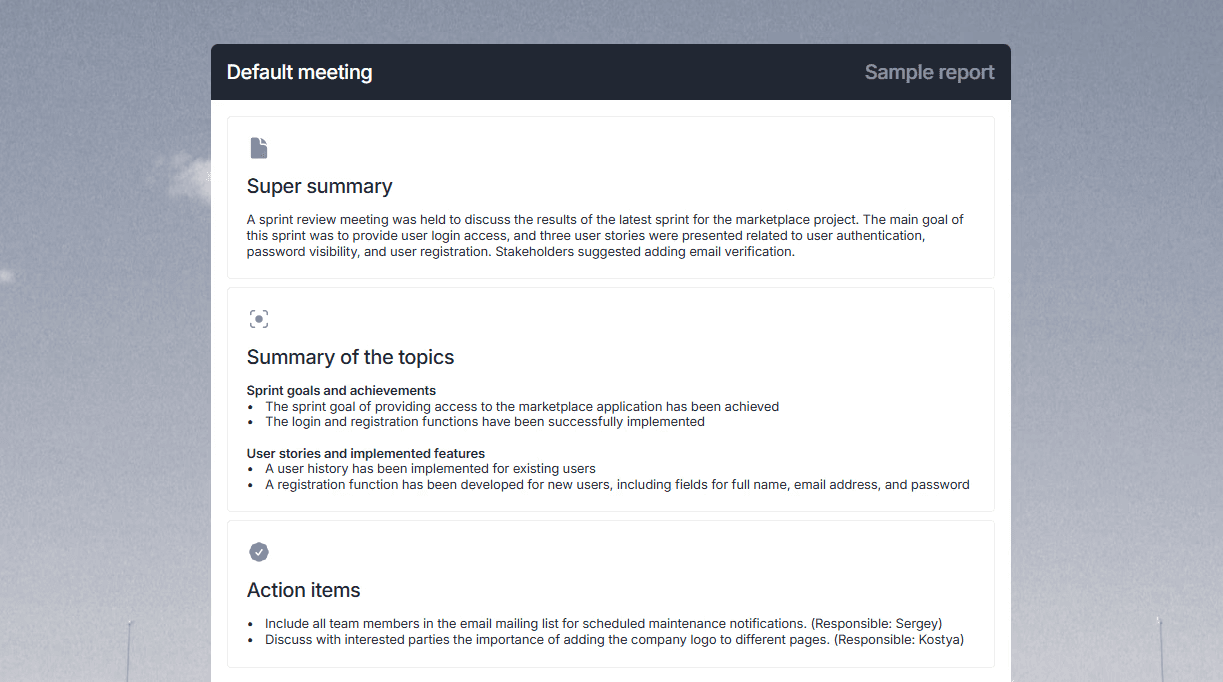
Player synchronizes audio with text in real time
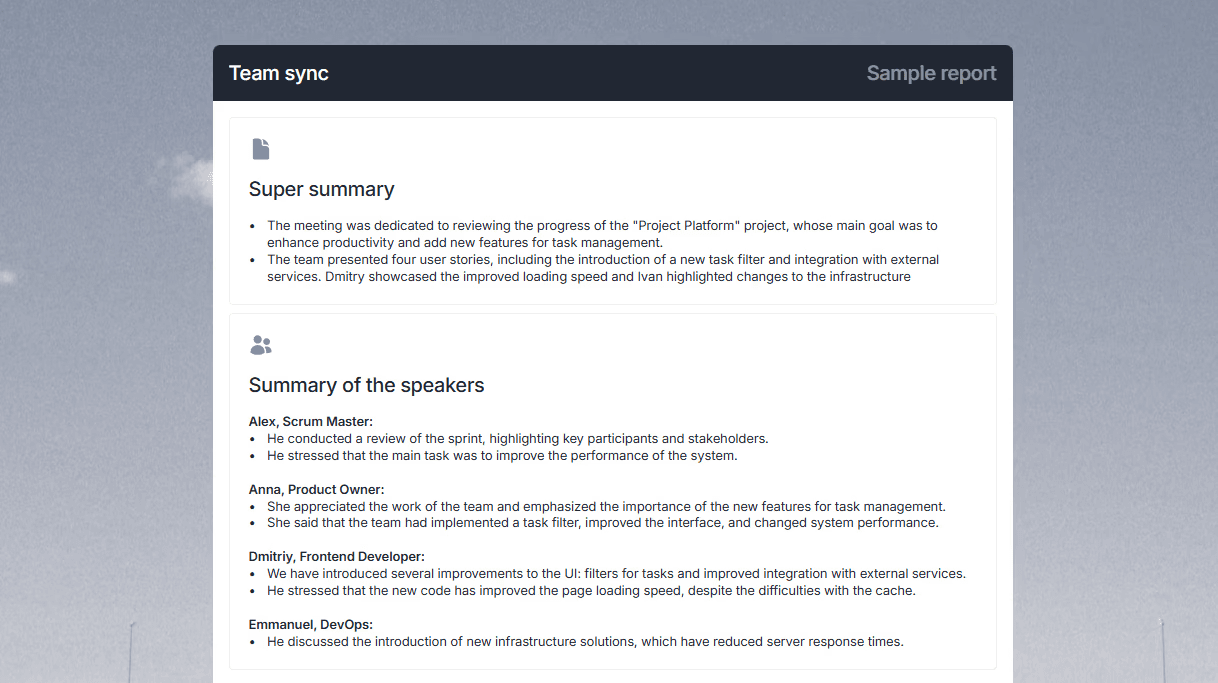
AI chat answers questions about content
Automatically extracts tasks from conversations
Works with Russian video conferencing services
180 minutes free for testing speech to text
Weaknesses:
Designed for meetings — functionality may be excessive for simple transcription
Interface takes 5-10 minutes to learn
May be pricier than competitors for large volumes
Requires internet connection
Best for: Those who need speech to text with smart analysis. The system extracts tasks, agreements, and key decisions. The built-in player lets you listen and read simultaneously. For corporate recordings in Russian, this is the best choice.
2. Whisper by OpenAI — Free Neural Network for Speech to Text
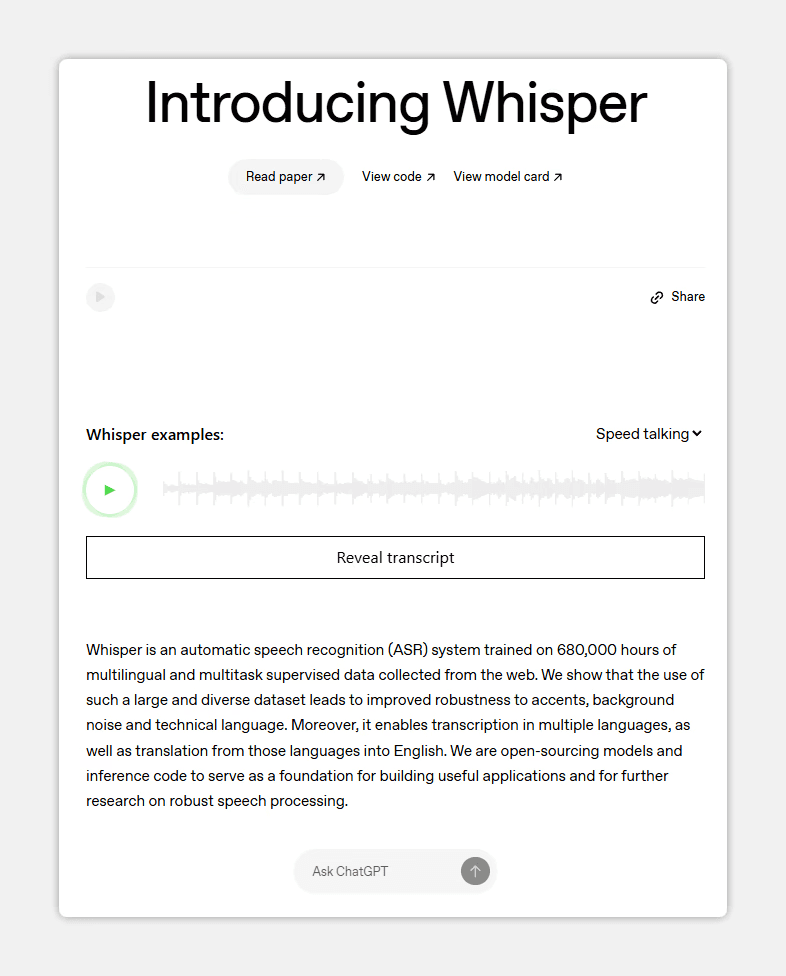
Whisper is an open-source neural network from OpenAI for speech to text conversion. Shows 90-94% accuracy on Russian. The main advantage — you can install it locally and convert speech to text without sending data to the cloud.
With local deployment, data doesn't leave your servers. Processing happens on your computer. This is critical for confidential information. Supports 99 languages. Handles Russian well, though it falls short of specialized speech to text solutions. English accuracy is higher — 95%+.
Key features:
Speech to text in 99 languages
Local processing without sending data to the cloud
Completely free to use
Strengths:
Maximum confidentiality with local speech to text processing
90-94% accuracy even on recordings with poor sound
Completely free transcription service
Weaknesses:
Requires technical knowledge to install
No ready-made interface for regular users
No content analysis, just speech to text
Slower than cloud solutions on weaker computers
Best for: Developers and those for whom confidentiality in speech to text conversion is critical.
3. Yandex SpeechKit — Cloud API for Speech to Text
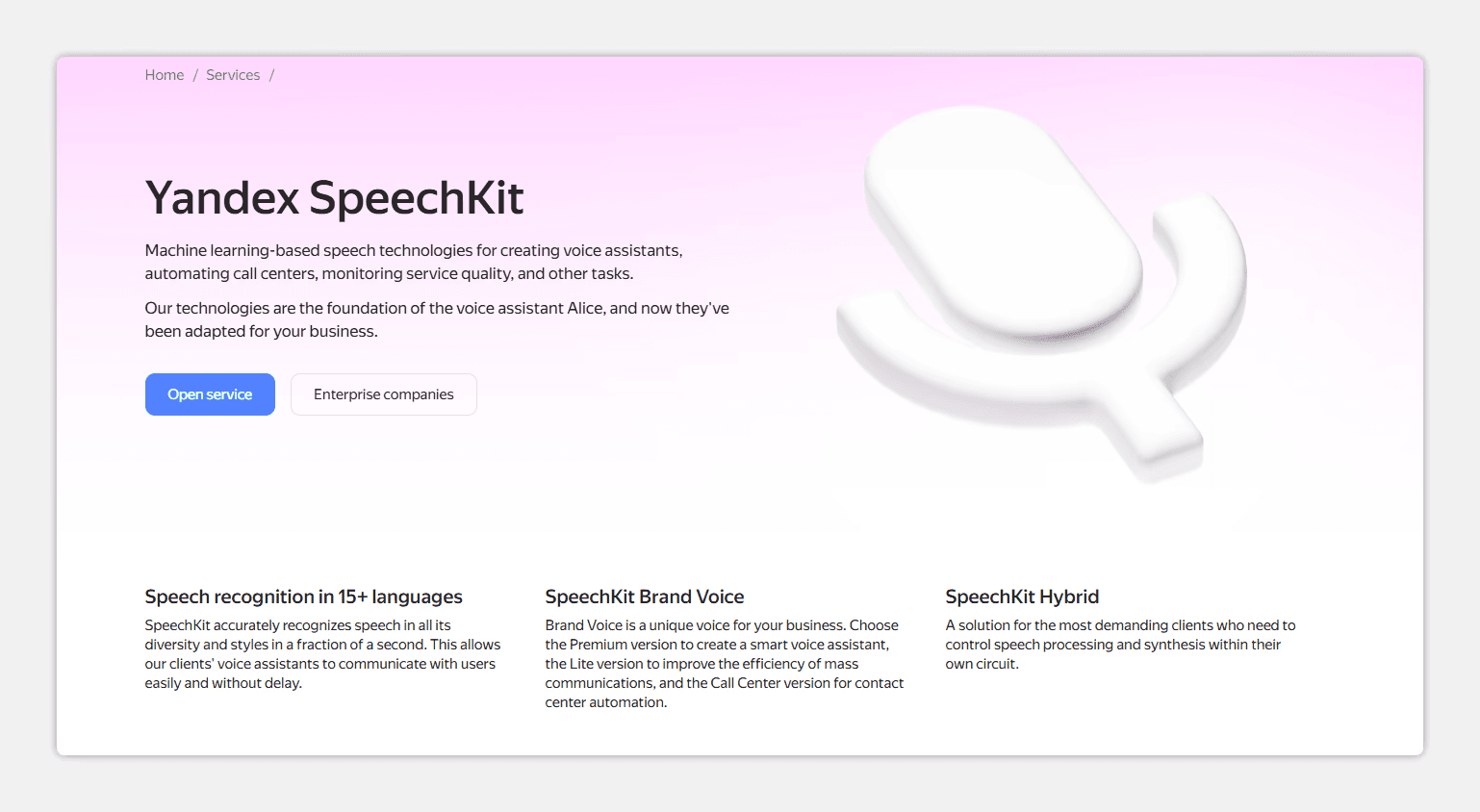
Yandex SpeechKit is a cloud service from Yandex (Russia's largest tech company) for speech to text conversion. In tests, it showed 95-97% accuracy on Russian. This is an API for developers and companies with IT teams — requires integration.
The neural network understands technical vocabulary, medical terms, and legal concepts in speech to text conversion. Handles various Russian accents. Clients include Skyeng, X5, Raiffeisenbank. Can be deployed on-premise on company servers, keeping data out of Yandex's cloud.
Key features:
95-97% transcription accuracy for Russian
Real-time speech to text recognition
Option to deploy on-premise on your own servers
Strengths:
One of the best speech to text accuracies for Russian among cloud solutions
Understands technical and professional vocabulary
Suitable for scaling to large volumes
Weaknesses:
It's an API — requires a developer for integration
No ready-made user interface
Custom pricing on request
Takes time to set up the transcription service
Best for: Large companies and developers who need to integrate speech to text into their own products.
4. Speech2text — Speech to Text Service for Challenging Recordings
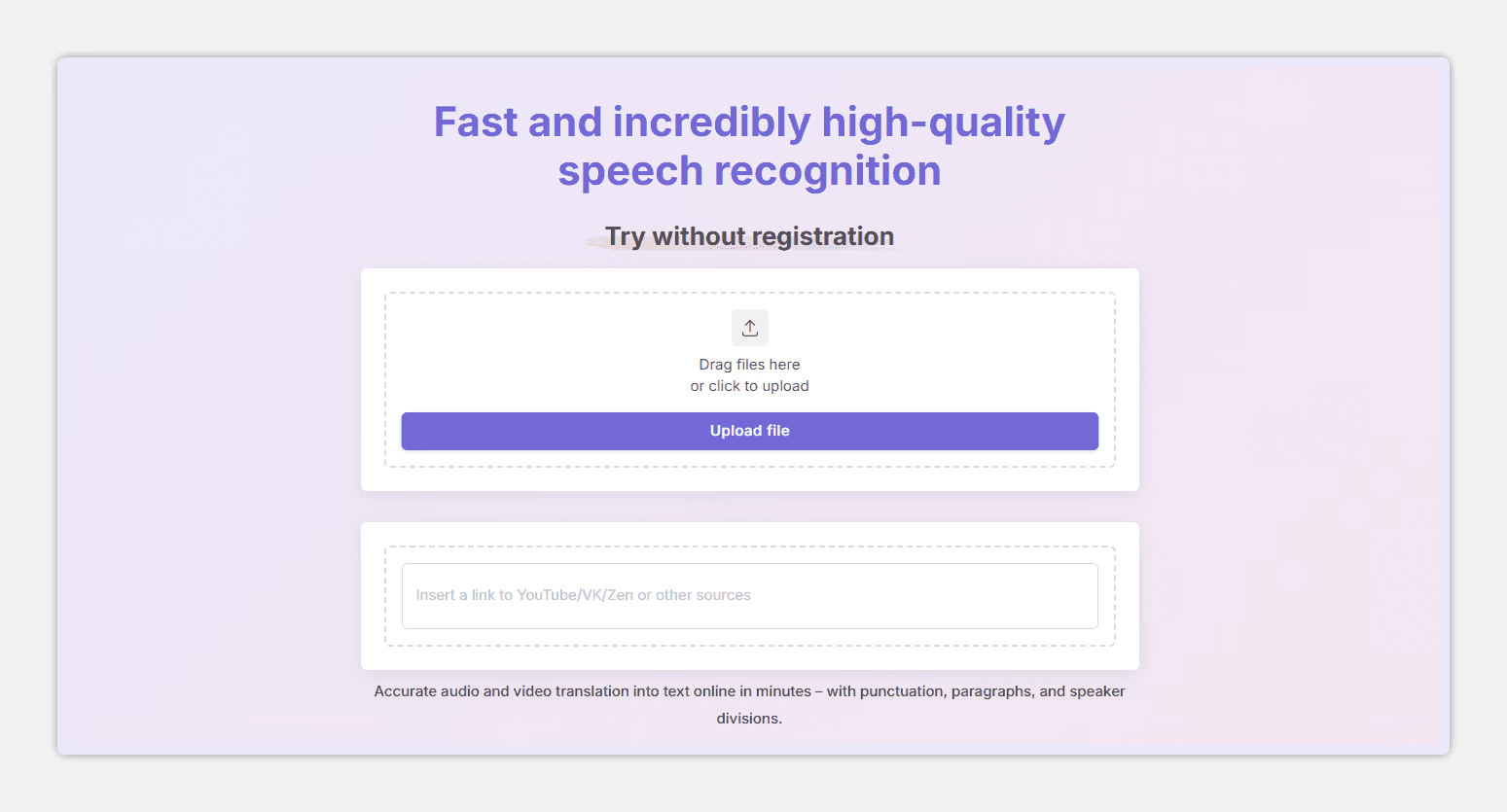
Speech2text was developed in Russia and handles Russian speech to text well. 94-96% accuracy even with poor sound. In tests, it showed the best results on recordings with background noise and fast speech.
On a journalist's interview with technical terms, speech to text accuracy was higher than some competitors. The system handles low-quality recordings well.
Key features:
94-96% transcription accuracy for Russian
Subtitle creation in SRT and VTT formats
Support for 90+ languages for speech to text
Strengths:
High speech to text accuracy even on recordings with poor sound
Fast file processing
Used by media companies for subtitle creation
Weaknesses:
Minimalist interface
No built-in text editor
No content analysis or task extraction
Fewer features for comprehensive work with speech to text results
Best for: Journalists and content creators who need fast speech to text without extra features.
5. Descript — Audio Editing Through Speech to Text
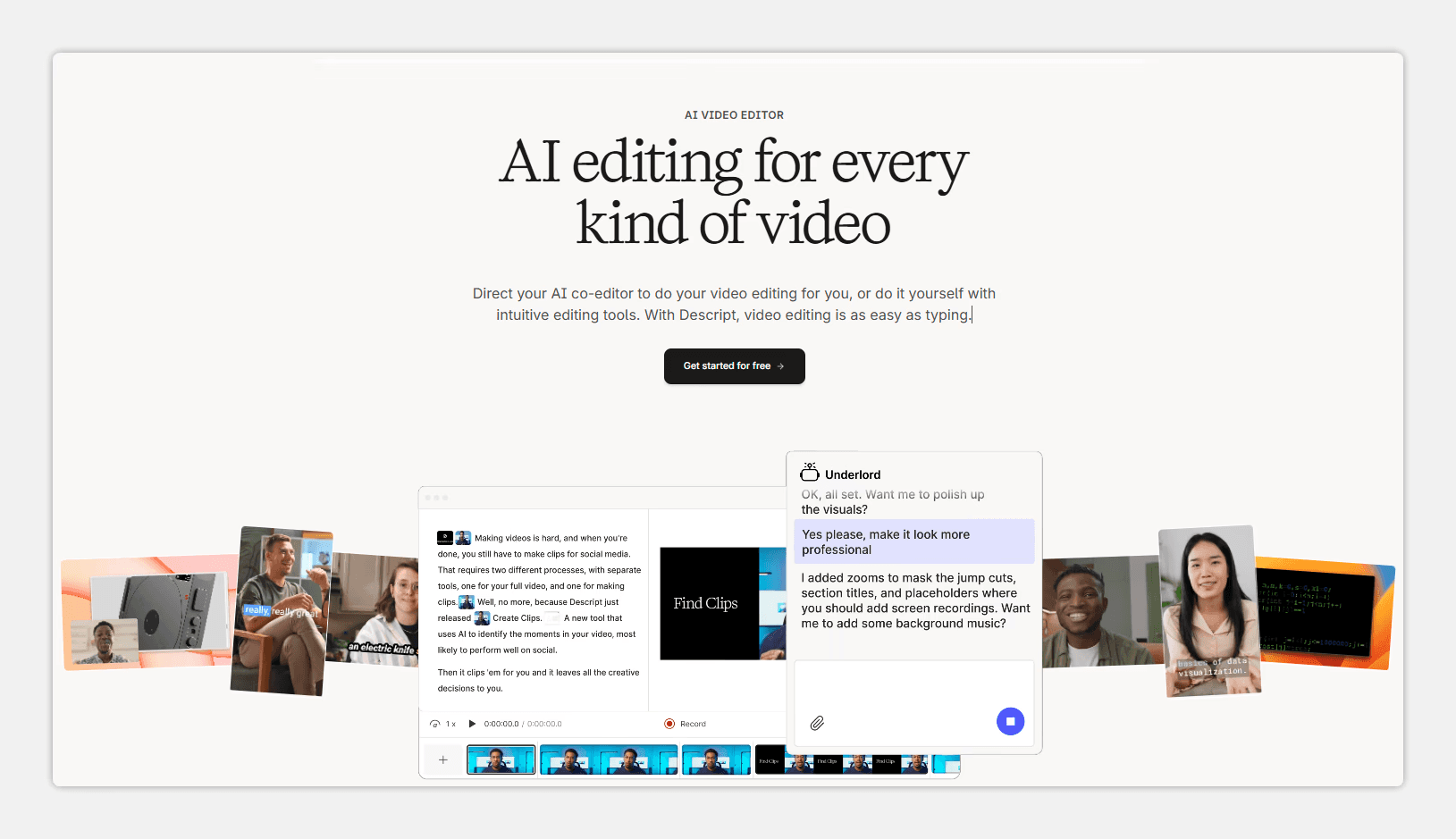
Descript works differently. You edit audio by changing the transcript text. Delete a word from the text — it disappears from the audio. Speech to text accuracy on Russian is 85-90%; the service works better with English.
Key features:
Audio editing through speech to text results
Automatic filler word removal
Built-in tools for sound improvement
Strengths:
Unique approach to editing through speech to text — saves hours of work
One-click removal of pauses and filler words
Good tools for audio processing
Weaknesses:
Transcription accuracy on Russian is lower than competitors (85-90%)
Many errors on technical content
Requires stable internet
Complex interface for beginners
Best for: Podcasters and video bloggers who care about editing, not just speech to text.
Speech to Text Services Comparison Table
To choose the right speech to text service, compare key parameters in the table. We collected data on Russian language accuracy, processing speed, and main advantages of each tool. All metrics were obtained on identical test recordings: a business meeting, an interview with noise, and a lecture with terminology.
Service | Speech to Text Accuracy (Russian) | Processing Time (1 hour audio) | Main Feature |
mymeet.ai | 96-98% | 5 minutes | Content analysis + media player + timestamps |
Whisper | 90-94% | 10-15 minutes* | Local, free, 99 languages |
Yandex SpeechKit | 95-97% | 2-4 minutes | API + on-premise for confidentiality |
Speech2text | 94-96% | 10 minutes | Works well with poor audio |
Descript | 85-90% | 5-7 minutes | Audio editing through text |
For Russian speech to text, local solutions deliver the best results: mymeet.ai, Speech2text, Yandex SpeechKit. They show 94-98% accuracy.
How to Choose an Online Speech to Text Service
Choosing a speech to text service depends on your task. Here are brief recommendations for different scenarios.
For meetings and negotiations. Choose mymeet.ai with automatic task extraction. The transcription service analyzes meeting content and highlights key points in a minute.
For interviews and journalism. Speech2text showed the best speech to text results on recordings with poor sound. Handles fast speech and background noise.
For podcasts and video blogs. Descript is convenient for editing through speech to text. Delete filler words from the text — they disappear from the audio.
For confidential information. Use Whisper locally for speech to text on your own computer. Or Yandex SpeechKit on-premise on your own servers.
For large volumes and integration. Yandex SpeechKit handles transcription scaling. The API lets you integrate recognition into your own system.
For simplicity and versatility. mymeet.ai suits those who need speech to text without complications. Upload audio — get text, analysis, and search across recordings.
Conclusion
Online speech to text is no longer exotic. It's a working tool for anyone dealing with audio: journalists, managers, researchers, educators, content creators.
Modern speech to text services recognize speech more accurately than humans. 96-98% accuracy means you can trust the transcript and focus on working with the information.
Choosing a speech to text service depends on the task. For meetings — mymeet.ai. For journalism — Speech2text. For podcasts — Descript. For confidentiality — Whisper. For integration — Yandex SpeechKit.
Start with free transcription testing. mymeet.ai gives 180 minutes free without requiring a credit card. That's enough to process several real recordings and evaluate speech to text quality.
Frequently Asked Questions About Online Speech to Text
We've collected answers to the most common questions when choosing a speech to text service.
Which service converts speech to text best for Russian?
mymeet.ai shows 96-98% transcription accuracy. Speech2text — 94-96%. Yandex SpeechKit — 95-97%. For maximum Russian speech to text quality, choose one of these three.
How fast does online speech to text work?
mymeet.ai processes one hour of audio in 5 minutes. Speech2text converts speech to text in 10 minutes. Whisper — in 10-15 minutes on an average computer. Speed depends on recording quality and service load.
Which speech to text service should I choose for confidential recordings?
Whisper with local installation — data doesn't leave your computer during speech to text conversion. Or Yandex SpeechKit on-premise — data stays on company servers. Cloud transcription services send audio to their servers for processing.
What audio formats do speech to text services support?
Most speech to text services accept MP3, WAV, FLAC, M4A, OGG. mymeet.ai supports all popular formats. Before uploading large files, check the speech to text service documentation.
Can a speech to text service distinguish multiple speakers?
Yes. mymeet.ai, Speech2text, and Yandex SpeechKit separate voices well in speech to text conversion. On meetings with 5-6 participants, separation accuracy remains high.
Which speech to text service is best for interviews?
Speech2text showed the best speech to text results on recordings with background noise. mymeet.ai is convenient if you need quick analysis of interview content.
Can online speech to text analyze content?
mymeet.ai extracts key moments, decisions, and tasks during speech to text conversion. The other services in this review only convert speech to text without analysis.
Which speech to text service should I choose for podcasts?
Descript is convenient for editing through speech to text: edit the text — the audio changes. Speech2text is good for quick speech to text without editing.
Are there free speech to text services?
Whisper is completely free for speech to text, but requires installation. mymeet.ai gives 180 minutes free every month. Other speech to text services have trial periods.
How can I improve speech to text quality?
Use a good microphone and record in a quiet place. Avoid background noise and multiple people speaking simultaneously. Choose transcription services with 95%+ accuracy. Before batch processing, test speech to text results on a sample recording.
Fedor Zhilkin






