

Technology & AI

Fedor Zhilkin
·
Updated on
An hour-long video meeting recording means 3-4 hours of manual transcription. Plus another hour searching for the moment where the budget was discussed or deadlines were mentioned. The mymeet.ai team tested 15 tools for extracting text from video on 200+ hours of real recordings: corporate calls, webinars, interviews, and video courses. In this review — the 7 best solutions with honest comparison by accuracy, speed, and functionality.
How to Choose a Tool for Extracting Text from Video
Tools for extracting text from video differ in recognition accuracy, processing speed, and additional features. Some platforms are optimized for quick subtitle creation, others for deep video content analysis. The choice depends on video language, audio quality, and goals: whether you need just text or a structured report with tasks and timestamps. We tested each tool on Russian-language videos with business vocabulary, technical terms, and multiple speakers.
Speech Recognition Accuracy When Extracting Text from Video
Most Western tools for extracting text from video claim Russian language support, but quality varies significantly in practice. Russian with its complex grammar, case endings, and business terminology presents a serious challenge for recognition algorithms.
What distinguishes quality tools for extracting text from video:
Correct recognition of case endings and agreements
Understanding business vocabulary: "deadline," "KPI," "sales funnel," "force majeure"
Distinguishing homonyms by conversation context
Adaptation to different accents and speech speeds
Correction of obvious errors like "manage ment" → "management"
Weak tools often produce meaningless text. The phrase "let's discuss the Q4 budget" might be transcribed as "let's discuss the queue four budget." The best solutions understand context and avoid such errors when extracting text from video.
Video File Processing Speed
Slow processing kills workflow. Teams postpone video analysis, information loses relevance, decisions are made without considering discussions. Here are the metrics that truly matter when extracting text from video:
Fast processing: one-hour video in 5-10 minutes
Batch upload: processing multiple video files simultaneously
Stability: maintaining speed with large volumes
Automation: starting processing without manual actions
Market leaders process video invisibly to users. The best tools for extracting text from video deliver ready transcription within minutes of file upload.
Working with Video Formats and Text Synchronization
A tool for extracting text from video should work with popular formats: MP4, MOV, AVI, MKV, WebM. But the main thing is text-to-video synchronization. The ability to click on a phrase in the transcription and immediately hear that moment in the recording saves hours on verification and navigation.
Key features for working with video:
Support for all popular video formats
Built-in video player with text synchronization
Timestamps for quick navigation to specific moments
Ability to download source video
Current phrase highlighting during playback
Advanced tools let you watch video and read the transcription simultaneously. Click on any line — the video jumps to that moment. This is critical for verifying text extraction quality from video.
Additional Video Analysis Features
Extracting text from video is the basic function. Advanced tools go further: highlighting tasks, identifying speakers, creating brief summaries, and allowing questions about content.
Time-saving features:
Speaker separation with renaming capability
Automatic task and agreement extraction
AI summary with key takeaways
Chat for questions about video content
Export to various formats: DOCX, PDF, SRT for subtitles
Tools with such features transform a chaotic two-hour recording into a structured document with tasks and responsible parties. Instead of rewatching the entire video — quick search for needed information.
Top 7 Tools for Extracting Text from Video
We uploaded identical video recordings to each service: business meetings in Russian, interviews with technical terms, recordings with multiple speakers, and videos with background noise. We evaluated Russian speech recognition accuracy, processing speed, ease of working with results, and additional features. Here are the testing results for tools extracting text from video.
1. mymeet.ai — Best Tool for Extracting Text from Meeting Videos

mymeet.ai takes first place for accuracy in extracting text from video in Russian. This is a full-featured AI assistant for working with meeting recordings: the system extracts text, analyzes content, highlights tasks, and allows searching for information without rewatching the entire video.
Russian speech recognition accuracy is 96-98% on clean recordings. The best result among all tested tools for extracting text from video. The system understands business context: "force majeure," "sales funnel," "KPI" are recognized without errors. An hour-long video process in 5 minutes, an eight-hour video course in 40 minutes.
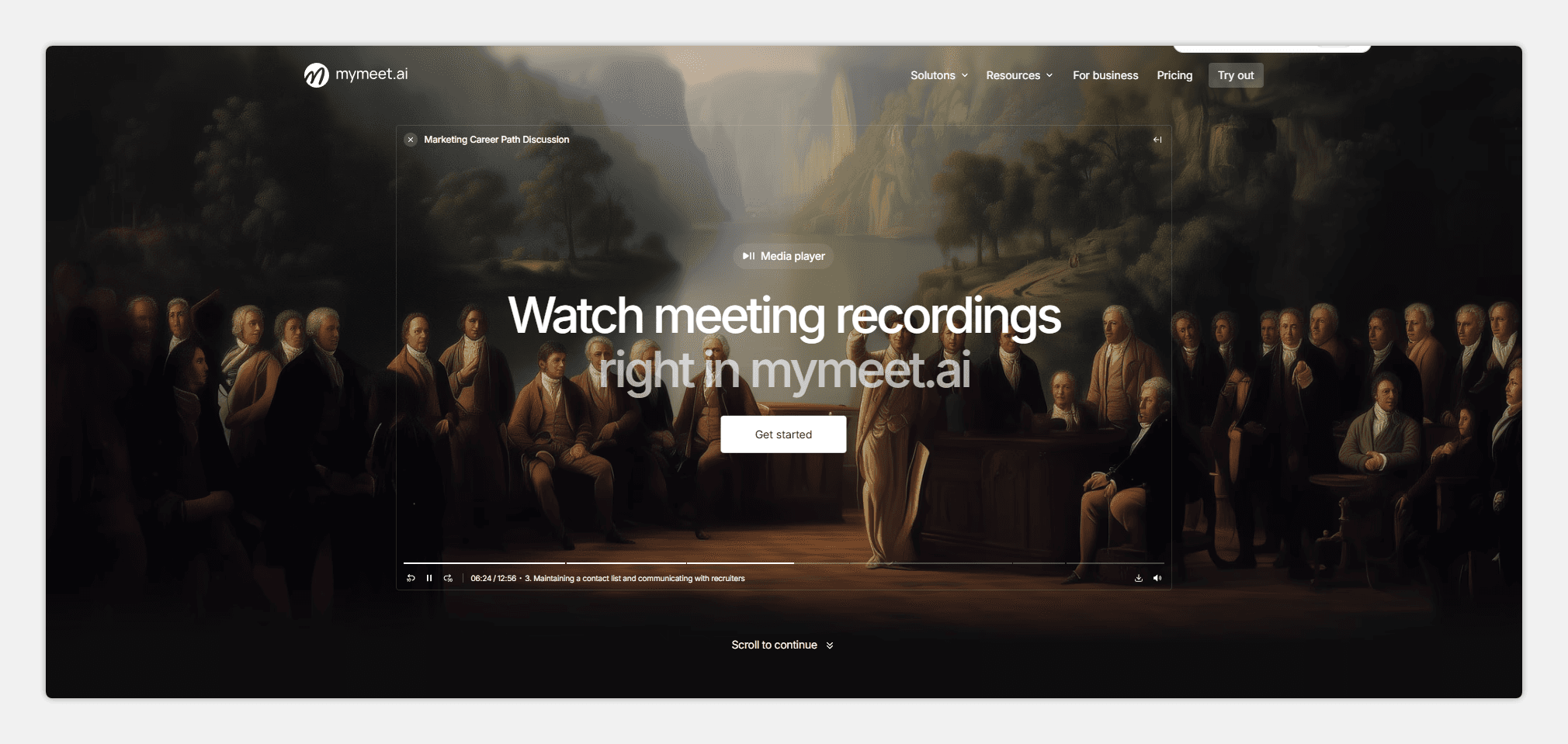
The main advantage is the built-in media player with synchronization. Watch video while reading the transcription simultaneously — words are highlighted as they're spoken. Click on any phrase in the text — the video jumps to that moment. This is critical for quality verification and quick navigation through the recording.
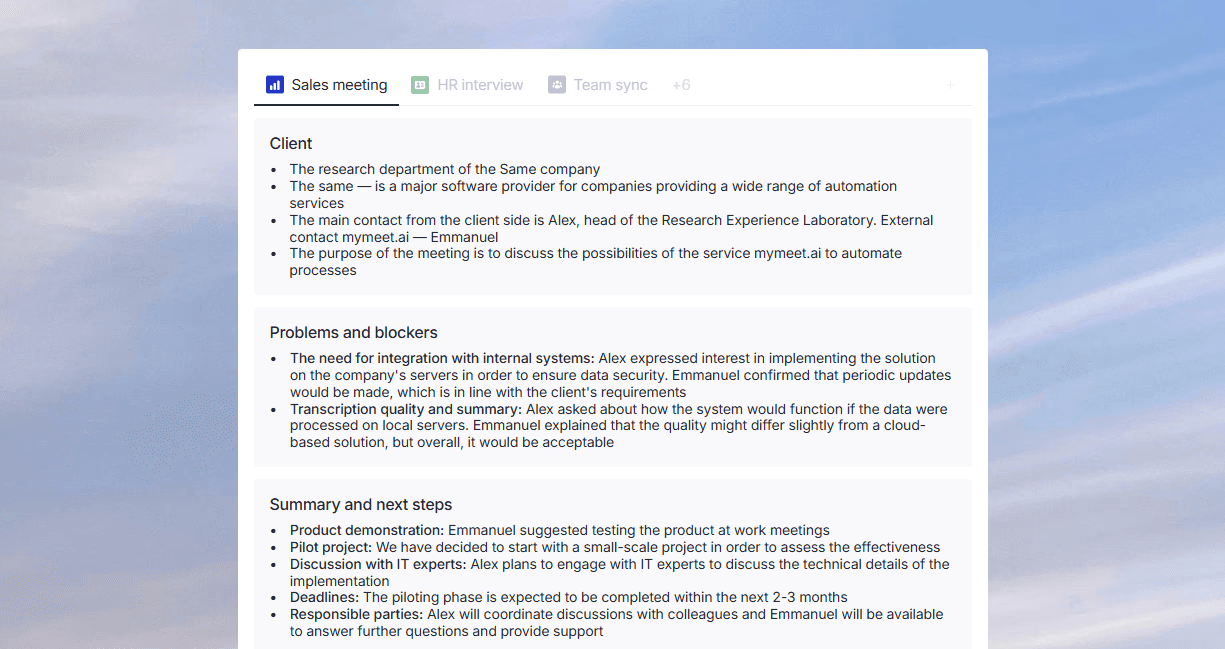
Key Features:
96-98% accuracy for extracting text from video in Russian
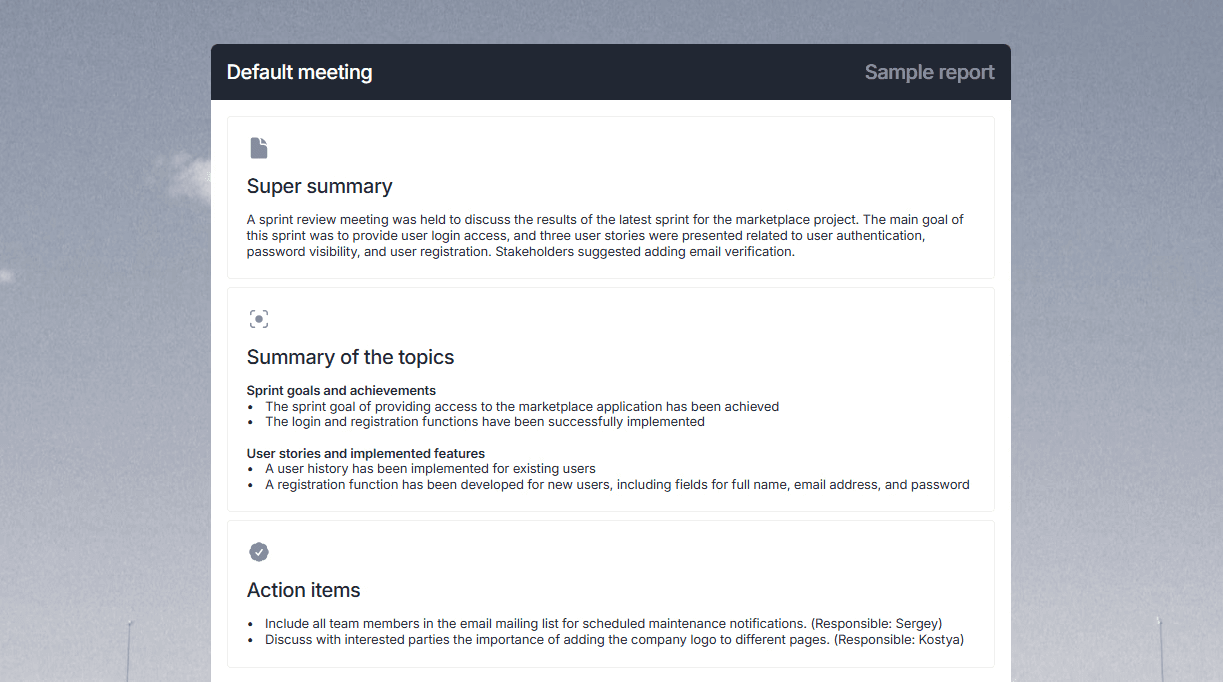
Built-in media player with text-video synchronization
Timestamps in AI reports and AI chat for jumping to specific moments
Automatic task extraction with responsible parties and deadlines
AI chat for questions about video content

Speaker separation with renaming capability
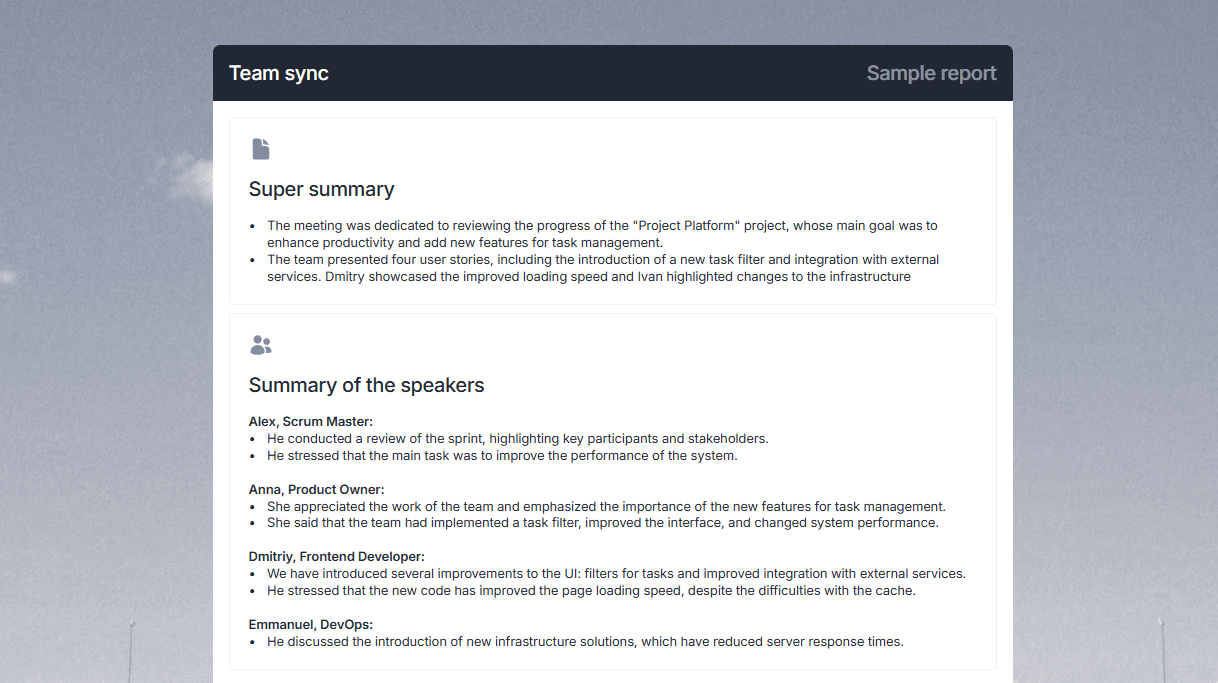
Integration with Zoom, Google Meet, Teams, Yandex Telemost
Support for 73 languages when extracting text from video
Filler word removal on Pro and Business plans
Export to DOCX, PDF, Markdown, JSON, SRT
Pros:
Best accuracy for Russian among all tools
Media player built-in — video and text in one interface
AI chat lets you ask "What risks were discussed?" and get an answer with timestamp
Automatically extracts tasks — saves hours on video processing
Integrates with Russian video conferencing platforms
180 minutes free without credit card
Cons:
Designed for meetings, overkill for simple subtitle extraction
Interface requires 5-10 minutes to learn
mymeet.ai is the choice for those who need text extraction from video with intelligent analysis. The system highlights tasks, agreements, and key moments automatically. The built-in player lets you watch video and read transcriptions simultaneously. For corporate video recordings in Russian — the best tool.
2. Descript — Video Editing Through Extracted Text
Descript works on a different principle: it extracts text from video and lets you edit the recording through text. Delete a word from the transcription — it disappears from the video. This changes the approach to working with video content.
The system extracts text from video automatically, then you edit it like a text document. Delete "uh" and "um" — they disappear from the video track. Built-in tools for removing background noise and creating subtitles. For podcasters and video bloggers — a serious tool.
Key Features:
Video editing through extracted text
Automatic filler word removal
Built-in screencasting and webcam recording
Pros:
Unique approach — edit video like a document
Filler word removal works well
Built-in audio enhancement tools
Suitable for content creation
Cons:
Lower accuracy for extracting text from video in Russian — 85-90%
Many errors on technical content
Requires stable internet
More complex for beginners
3. Kapwing — Online Tool for Extracting Text from Video
Kapwing is a browser-based tool for extracting text from video without installing software. Upload a video, get a transcription, edit, and export subtitles. Simple interface for basic tasks.
In tests, Kapwing showed 88-91% accuracy for Russian. The system handles clean recordings but loses quality on videos with noise or fast speech. The main advantage — works directly in the browser without registration for basic functions.
Key Features:
Browser-based text extraction from video
Built-in subtitle editor
Pros:
Works in browser without installation
Simple interface for beginners
Quick subtitle export
Free tier available
Cons:
Lower accuracy for Russian — 88-91%
No speaker separation
Video length limits on free tier
No content analysis or task extraction
4. VEED.io — Fast Online Text Extraction from Video
VEED.io is another browser-based tool for extracting text from video. Focused on content creators: bloggers, marketers, SMM specialists. Fast processing and convenient subtitle editor.
Accuracy of text extraction from video in Russian — 87-90%. Results are better for English — up to 94%. The system works well with short videos for social media. For long corporate recordings, functionality may be insufficient.
Key Features:
Text extraction from video in minutes
Automatic subtitle creation
Pros:
Fast processing for short videos
Convenient templates for social media
Simple subtitle export
Intuitive interface
Cons:
Accuracy for Russian 87-90%
Video length limitations
No deep content analysis
No video conferencing integration
5. Sonix — Multilingual Tool for Extracting Text from Video
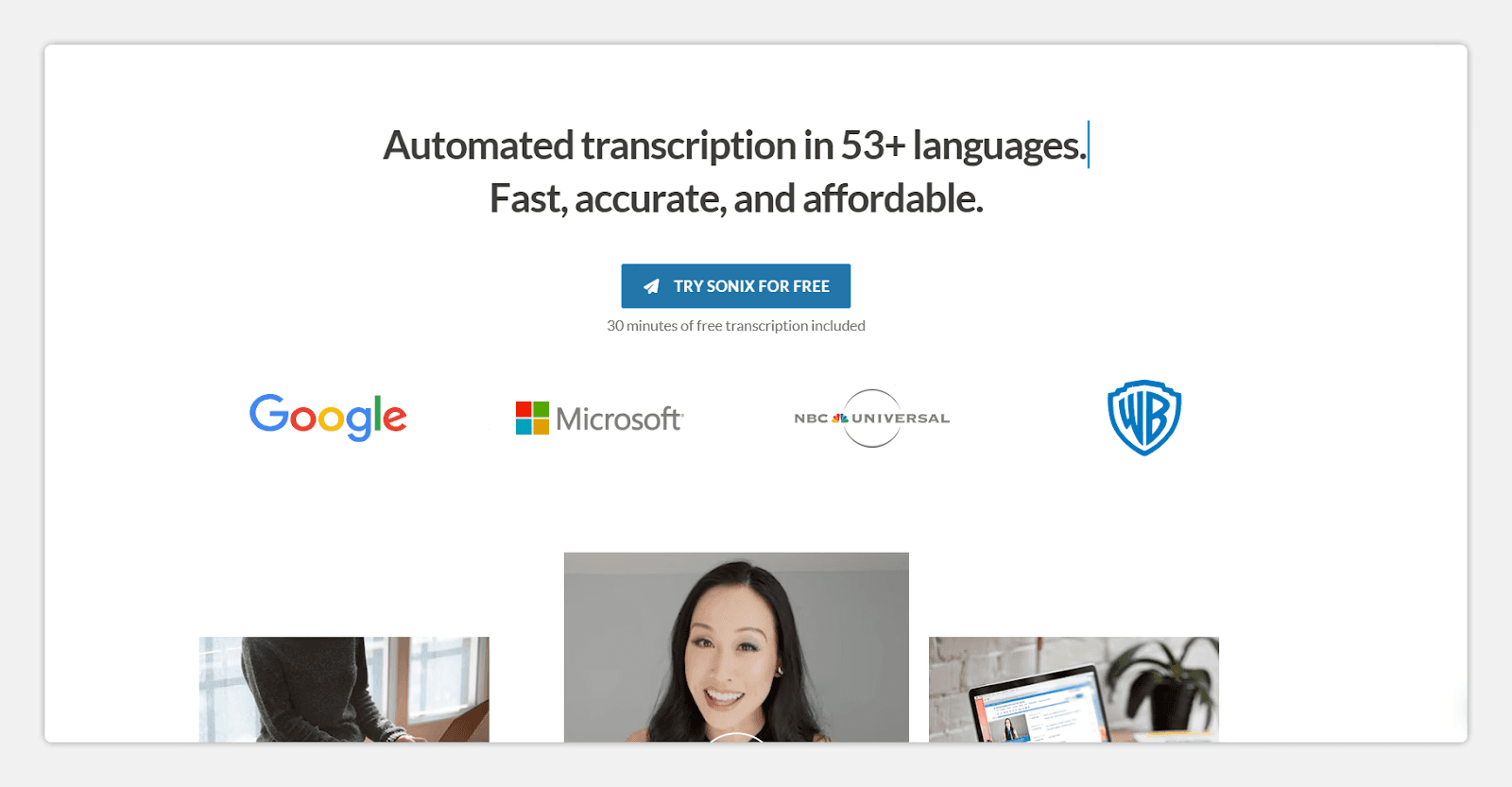
Sonix positions itself as a universal solution for international teams. Supports 49 languages, including Russian. Suitable for companies with multilingual content that need basic transcription in different languages.
In tests, Sonix showed 90-92% accuracy for Russian when extracting text from video. An acceptable result but inferior to specialized solutions. The system works reliably with large volumes — you can upload dozens of video files simultaneously.
Key Features:
Support for 49 languages when extracting text
Export to SRT, VTT, DOCX
Pros:
Broad language support
Stability with large volumes
Built-in translation convenient for international projects
Search across all transcriptions
Cons:
Lower accuracy for Russian than specialized solutions
No built-in video player with synchronization
No meeting analysis or task extraction
Interface only in English
6. Happy Scribe — European Service for Extracting Text from Video
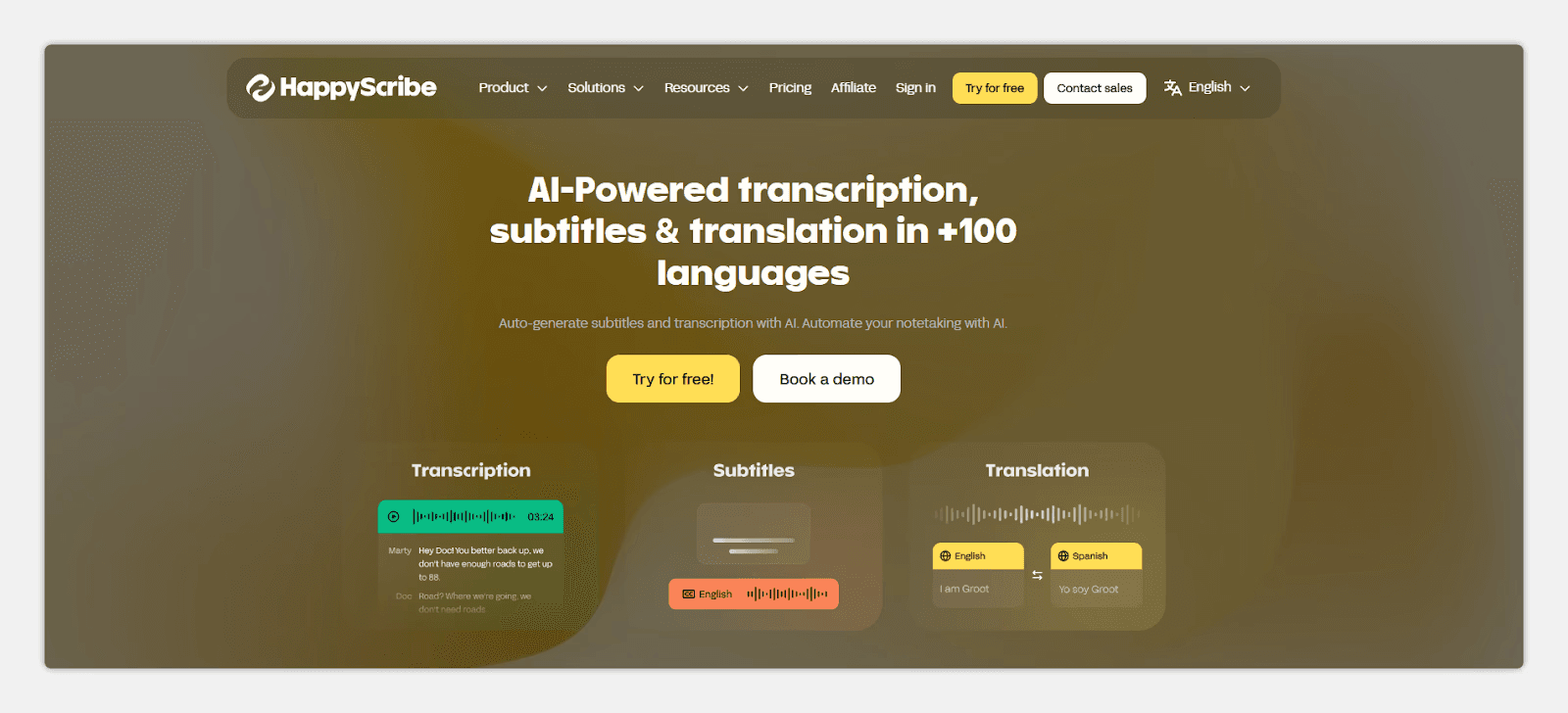
Happy Scribe is a European platform with GDPR compliance. Offers automatic and manual text extraction from video. For critical materials, you can order verification by professional transcribers.
Automatic text extraction accuracy from video in Russian — 89-92%. With manual verification ordered, accuracy reaches 99%, but time and cost increase. The system suits European companies with data protection requirements.
Key Features:
Automatic and manual text extraction from video
Subtitle editor with preview
Pros:
High data protection standards
Manual verification option for accuracy
Convenient subtitle editor
Video platform integration
Cons:
Automatic accuracy for Russian 89-92%
Manual verification expensive and slow
No video content analysis
Limited functionality for Russian market
7. Otter.ai — Text Extraction from English-Language Video
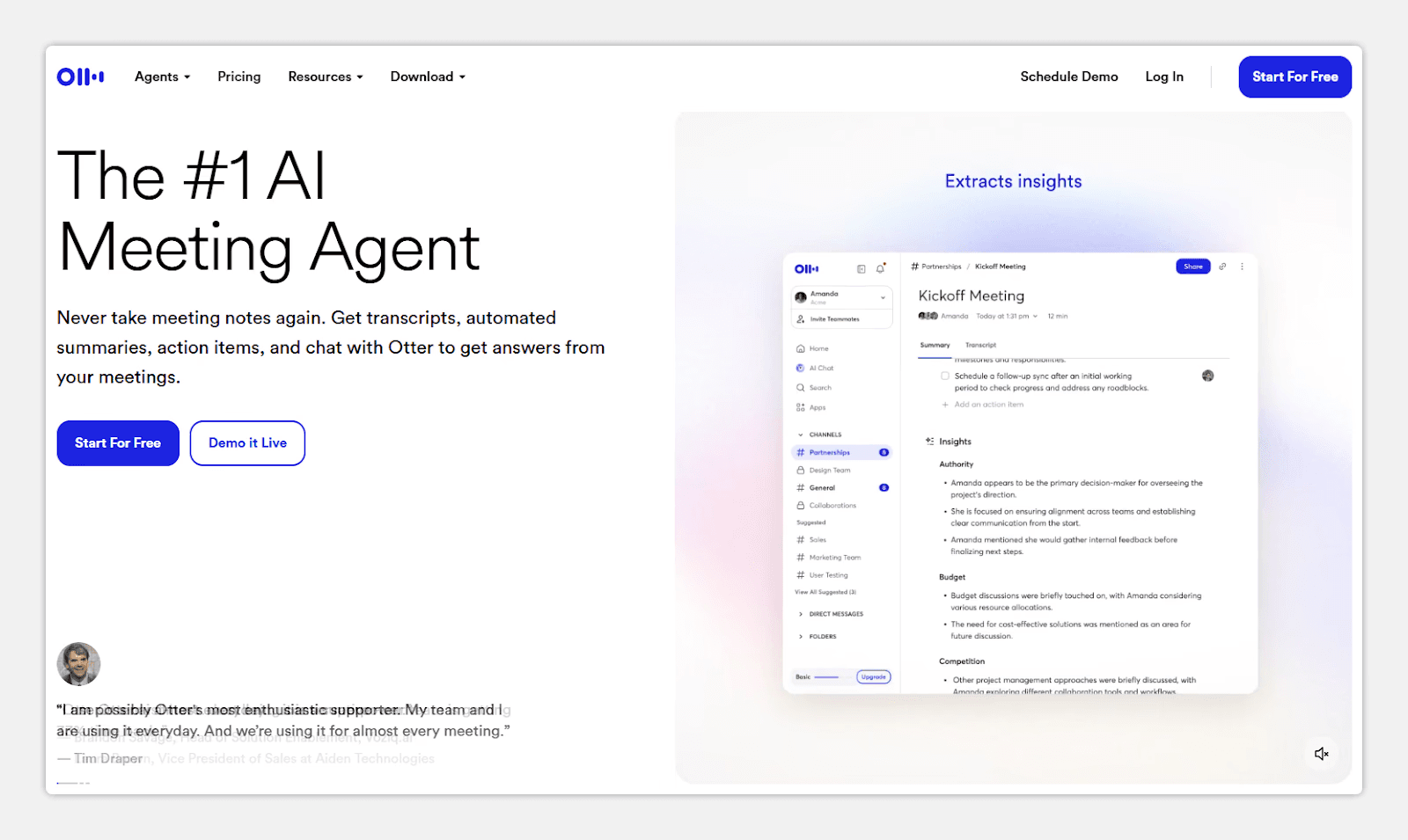
Otter.ai is built for English-speaking teams. Shows excellent results for English — 93-95% accuracy. Works poorly with Russian: accuracy drops to 80-85%, the system often makes terminology errors.
The main advantage is live transcription. Text appears during video playback, convenient for English webinars and lectures. For Russian-language content, there are better tools for extracting text from video.
Key Features:
Real-time text extraction from video
Automatic speaker identification
Pros:
Excellent accuracy for English — 93-95%
Live transcription during playback
Good speaker distinction
Convenient for English-speaking teams
Cons:
Weak accuracy for Russian — 80-85%
No built-in video player with synchronization
No content analysis or task extraction
Not suitable for Russian business
Comparative Table of Tools for Extracting Text from Video
We compiled key characteristics of all tools into one table. This will help quickly compare solutions by parameters important to you: Russian accuracy, video player availability, processing speed, and additional analysis features.
Tool | Accuracy (Russian) | Video Player | Speed | Main Feature |
mymeet.ai | 96-98% | ✅ With sync | 5 min/hour | Meeting analysis + timestamps |
Descript | 85-90% | ✅ Built-in | 5-7 min/hour | Text-based editing |
Kapwing | 88-91% | ❌ No | 8-12 min/hour | Browser-based |
VEED.io | 87-90% | ❌ No | 5-8 min/hour | Social media templates |
Sonix | 90-92% | ❌ No | 6-10 min/hour | 49 languages + translation |
Happy Scribe | 89-92% | ❌ No | 10-15 min/hour | GDPR + manual review |
Otter.ai | 80-85% | ❌ No | Real-time | Live transcription (English) |
The table shows a clear picture: for extracting text from video in Russian, mymeet.ai leads with 96-98% accuracy and built-in video player. Other tools lose 6-18% accuracy on Russian-language content. A video player with synchronization exists only in mymeet.ai and Descript — this is critical for quality verification and recording navigation.
For English content, competition is higher: Otter.ai offers live transcription, Descript offers text-based editing. But if you work with Russian, the choice is obvious.
Which Tool to Choose for Extracting Text from Video
Tool choice depends on video content type and tasks. Different solutions suit different scenarios. Here are specific recommendations based on testing results.
Extracting Text from Video for Corporate Meetings
For recordings of meetings, client calls, and team syncs, you need a tool with high Russian accuracy and analysis features. mymeet.ai is the only solution combining 96-98% accuracy, built-in video player with synchronization, and automatic task extraction.
The system lets you ask the AI chat "What decisions were made about the budget?" and get an answer with a timestamp — immediately jump to that moment in the video. This saves hours on rewatching recordings. Integration with Zoom, Teams, and Yandex Telemost automates the process: connect a bot to the meeting, after it ends receive a ready transcription with tasks.
Extracting Text from Podcast and Interview Videos
For podcasts and long interviews, recognition accuracy and editing convenience matter. Descript works if you need to edit video through text — removing pauses and filler words. But Russian accuracy is lower (85-90%).
For Russian-language podcasts, better to use mymeet.ai or Sonix. mymeet.ai provides high accuracy and speaker separation. Sonix suits multilingual projects with guests speaking different languages.
Extracting Text from Video for Creating Subtitles
For quick subtitle creation for YouTube or social media videos, Kapwing and VEED.io work well. Both work in browsers, have simple interfaces, and export to SRT/VTT.
Their Russian accuracy is lower (87-91%), so manual editing will be needed. For short videos, this is acceptable. For long recordings or videos with technical terms, better to use mymeet.ai — less time spent correcting errors.
Extracting Text from English-Language Video
For English content, choices are broader. Otter.ai offers live transcription with 93-95% accuracy — text appears during video playback. Descript allows text-based video editing with good English accuracy.
For international teams with content in multiple languages, Sonix works with support for 49 languages and built-in translation.
Conclusion
After testing 15 tools on 200+ hours of video recordings, the conclusion is clear: choosing a platform for extracting text from video critically impacts work efficiency. The wrong tool means hours correcting errors and manually searching for information. The right one delivers ready transcription with tasks and timestamps in minutes.
For Russian-language video content, the leader is mymeet.ai. 96-98% accuracy, built-in video player with text synchronization, automatic task extraction, and AI chat for content questions. The system understands business context and works with Russian video conferencing platforms.
Try mymeet.ai free — 180 minutes without credit card. That's enough to process several video recordings and evaluate text extraction quality on your content.
FAQ on Tools for Extracting Text from Video
Which tool best extracts text from video in Russian?
mymeet.ai shows 96-98% accuracy on Russian-language videos — the best result among all tested tools. The system understands business vocabulary, technical terms, and correctly processes fast speech. Western services like Otter.ai lose up to 15-20% accuracy on Russian.
How long does it take to extract text from an hour-long video?
Depends on the tool. mymeet.ai processes an hour-long video in 5 minutes, Descript and VEED.io in 5-8 minutes, Kapwing in 8-12 minutes. Otter.ai works in real-time but only for English content. Speed also depends on source video quality and server load.
Can you extract text from video for free?
Yes. mymeet.ai offers 180 minutes free without credit card. Kapwing and VEED.io have free tiers with video length limitations. For one-time tasks, this is sufficient. For regular video work, it is better to choose a paid plan with full functionality.
What video formats do text extraction tools support?
Most tools work with popular formats: MP4, MOV, AVI, MKV, WebM. mymeet.ai additionally supports direct integration with Zoom, Teams, Google Meet, and Yandex Telemost — you can connect a bot to the meeting, and the system will automatically record and process the video.
How does text-to-video synchronization work?
Tools with synchronization show video and text simultaneously. During playback, the current phrase is highlighted in the transcription. Click on any word in the text — the video jumps to that moment. This feature exists in mymeet.ai and Descript. It's critical for quality verification and navigation through long recordings.
Can you edit the extracted text from the video?
Yes, all tools allow transcription editing. mymeet.ai has a built-in editor with synchronization — listen to the moment and immediately edit the text. Descript goes further: edit text and changes apply to video — delete a word from transcription, it disappears from the recording.
Which tool works for extracting text from video with poor audio?
For videos with background noise or poor audio quality, mymeet.ai and Descript work better. Both systems use audio cleaning algorithms before recognition. mymeet.ai additionally offers AI audio enhancement. Accuracy on noisy recordings drops for all tools, but for these two — the least.
Is it safe to upload corporate videos to cloud services?
Depends on the service. mymeet.ai uses TLS 1.2+ encryption during transmission and AES-256 for storage, data is not shared with third parties. Happy Scribe complies with GDPR. For maximum confidentiality, choose services with clear data protection policies and the ability to delete recordings after processing.
Can you create subtitles after extracting text from video?
Yes. All tools support export to subtitle formats: SRT, VTT. Kapwing and VEED.io specialize in creating subtitles for social media. mymeet.ai exports transcriptions with timestamps that can be used as a subtitle base. Descript allows subtitle styling directly in the editor.
Which tool to choose for extracting text from video in multiple languages?
For multilingual content, Sonix works with support for 49 languages and built-in translation. mymeet.ai supports 73 languages and works well with videos where participants speak different languages. Google Speech-to-Text (via API) supports 125+ languages but requires technical integration.
Fedor Zhilkin






