

Technology & AI

Ilya Berdysh
·
Updated on
We tested over 20 services on 150+ hours of real recordings — business meetings, interviews, podcasts, and poor-quality audio. Most Western platforms struggle with the Russian language. Here's an honest comparison of the 10 best voice to text AI services for speech recognition.
How Voice to Text AI Works: The Complete Conversion Process
Voice to text AI analyzes sound waves and converts them into text with 95-98% accuracy on clean recordings. The voice to text conversion process includes several stages: noise reduction, audio characteristic analysis, contextual word recognition, and punctuation placement. The best voice to text AI solutions additionally identify who's speaking (diarization) and highlight key discussion points.
Each voice to text AI is trained on large volumes of recordings. mymeet.ai and Yandex SpeechKit are trained on Russian language data and understand business context during voice to text conversion. OpenAI Whisper is trained on 680,000 hours of multilingual audio and performs equally well across different languages. Google and Amazon are trained on diverse sources, enabling them to handle complex audio effectively.
Diarization in voice to text AI refers to identifying different speakers. All modern voice to text neural networks support this feature and can distinguish between 3-6 speakers during meetings. Diarization quality depends on recording clarity and how similar the participants' voices are.
Top 10 Voice to Text AI Tools: Accuracy and Speed Comparison
Here's an honest comparison of each voice to text AI: its accuracy with Russian language, processing speed, and which voice to text tasks it's best suited for.
1. mymeet.ai — Best for Team Meetings
We tested it on 50+ hours of business meetings with technical terminology, fast speech, and multiple speakers. Accuracy remained at 96-98% — the best result among all voice to text AI systems. In meetings with multiple participants, the system correctly distinguishes speakers and allows renaming them in the interface. The built-in media player with synchronization saves hours on transcription review — you listen to the original audio while reading the text, click on any spot, and hear that exact moment.
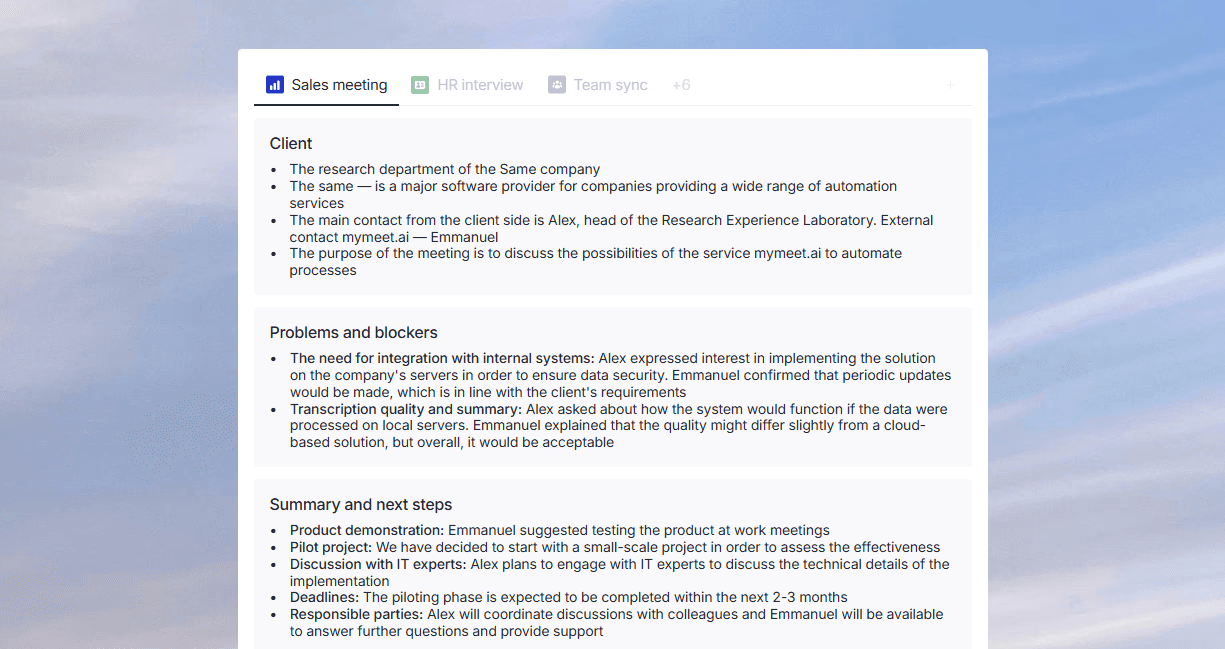
After processing a meeting, the voice to text AI analyzes the content and extracts tasks with assignment details. The AI chat allows you to ask "What risks were discussed?" and get an immediate answer without re-reading an hour-long transcription. The system works with audio recordings and video files — upload a video, and it extracts text with speaker separation.
Key Features:
96-98% accuracy for Russian language
Integrates with Zoom, Teams, Google Meet, Yandex Telemost for automatic recording
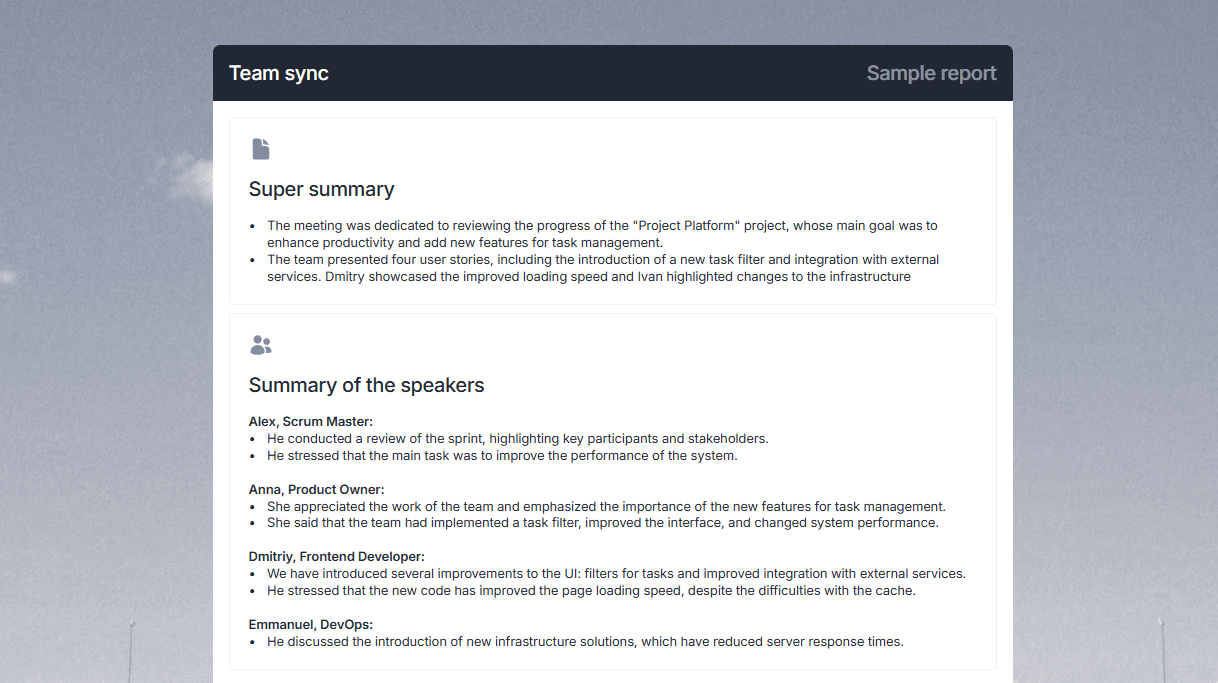
Automatically extracts tasks and agreements
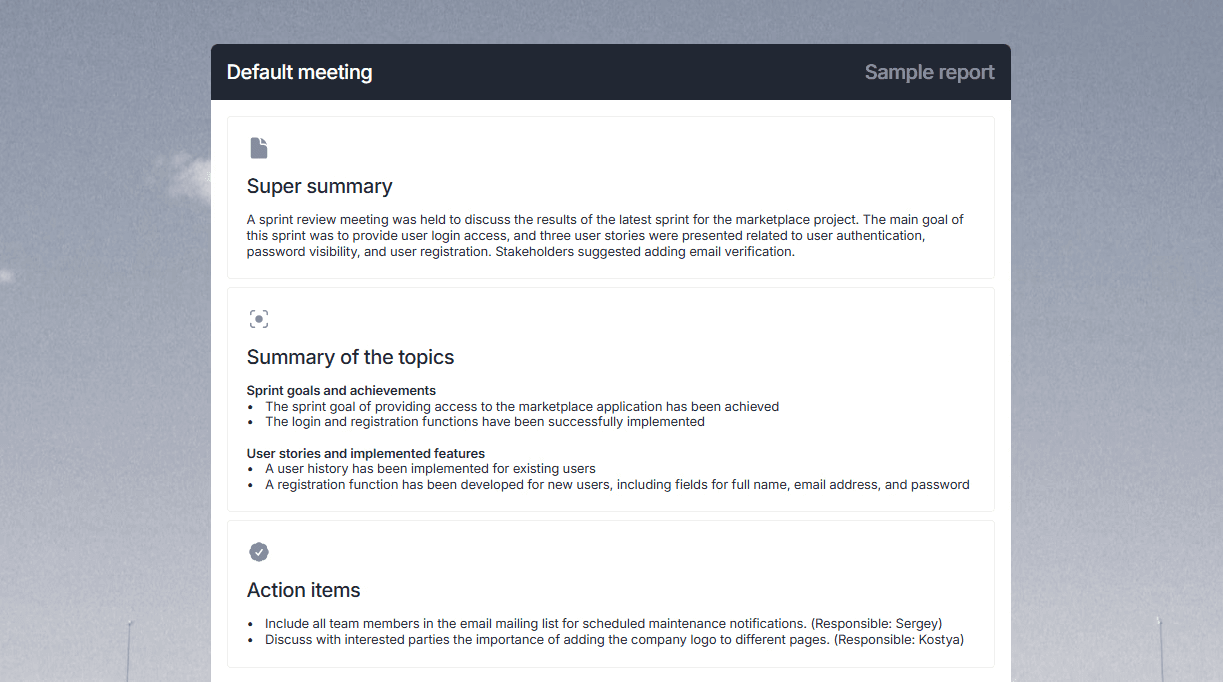
Built-in media player for transcription review with video sync
Works with meeting video files, extracts text from video
AI chat for meeting content analysis
Support for 73 languages
180 minutes free without credit card
Pros:
Best accuracy for Russian among all competitors
Automatic task extraction saves hours on meeting processing
Media player is built-in — no need to open audio and text separately
Integrates with Russian platforms (Yandex Telemost, Kontur.Talk)
Cons:
Designed for meetings, not universal for other tasks
Paid plans after 180 free minutes
Price may be higher than alternatives for large companies
Requires internet connection
⭐⭐⭐⭐⭐
2. OpenAI Whisper — Universal and Free
Whisper is trained on 680,000 hours of multilingual audio. It achieves 96% accuracy on English and 92-94% on Russian. The main advantage — it's completely free for local use on your computer. Download the model, load your audio — get a transcription without sending data to a server. This is critical for confidential information.
Pros:
Free with no volume limits
Data protection — processing happens locally on your computer
Good results on technical content
Support for 99 languages
Cons:
Requires a powerful computer for real-time processing
Diarization requires additional tools
Slower than cloud services (depends on your hardware)
Requires technical skills for installation
⭐⭐⭐⭐⭐
3. Yandex SpeechKit — Russian Leader for Developers
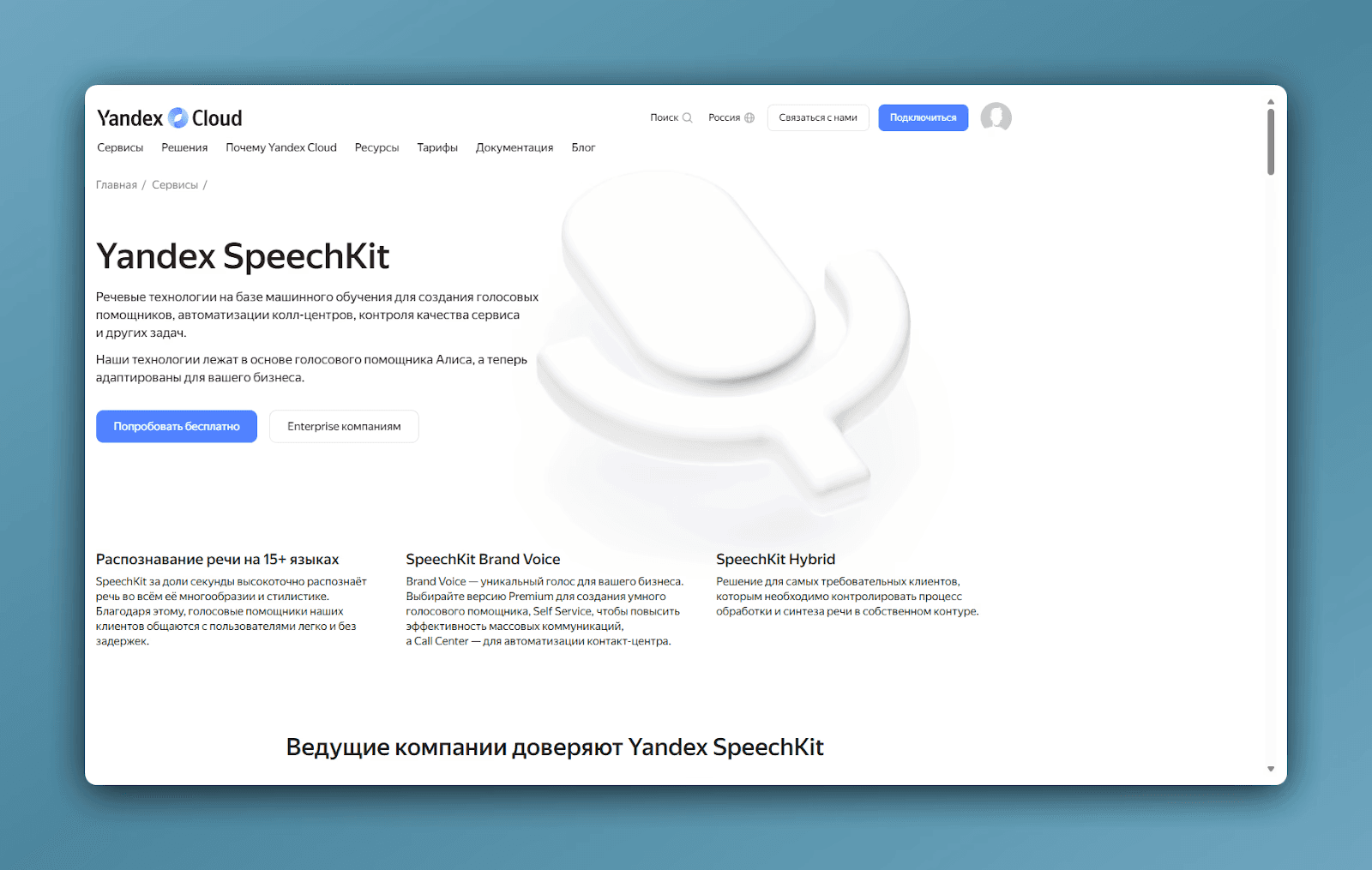
In tests, it showed 95-97% accuracy on Russian. We processed 500+ hours of recordings with various accents and speech speeds — the voice to text AI outperformed competitors. SpeechKit understands technical vocabulary and correctly handles fast speech. Used by major companies (Skyeng, X5, RBC) for mass audio processing. This is an API for developers with impressive results for Russian language.
Pros:
Exceptional accuracy for Russian speech (95-97%)
Understands business vocabulary and technical terminology
Can be deployed on private servers for maximum confidentiality
Used by major Russian companies
Cons:
Developer API requiring technical expertise
No ready-made user interface
Pricing based on individual quotes
Requires integration into company systems
⭐⭐⭐⭐⭐
4. Speech2text — Russian Service for Media
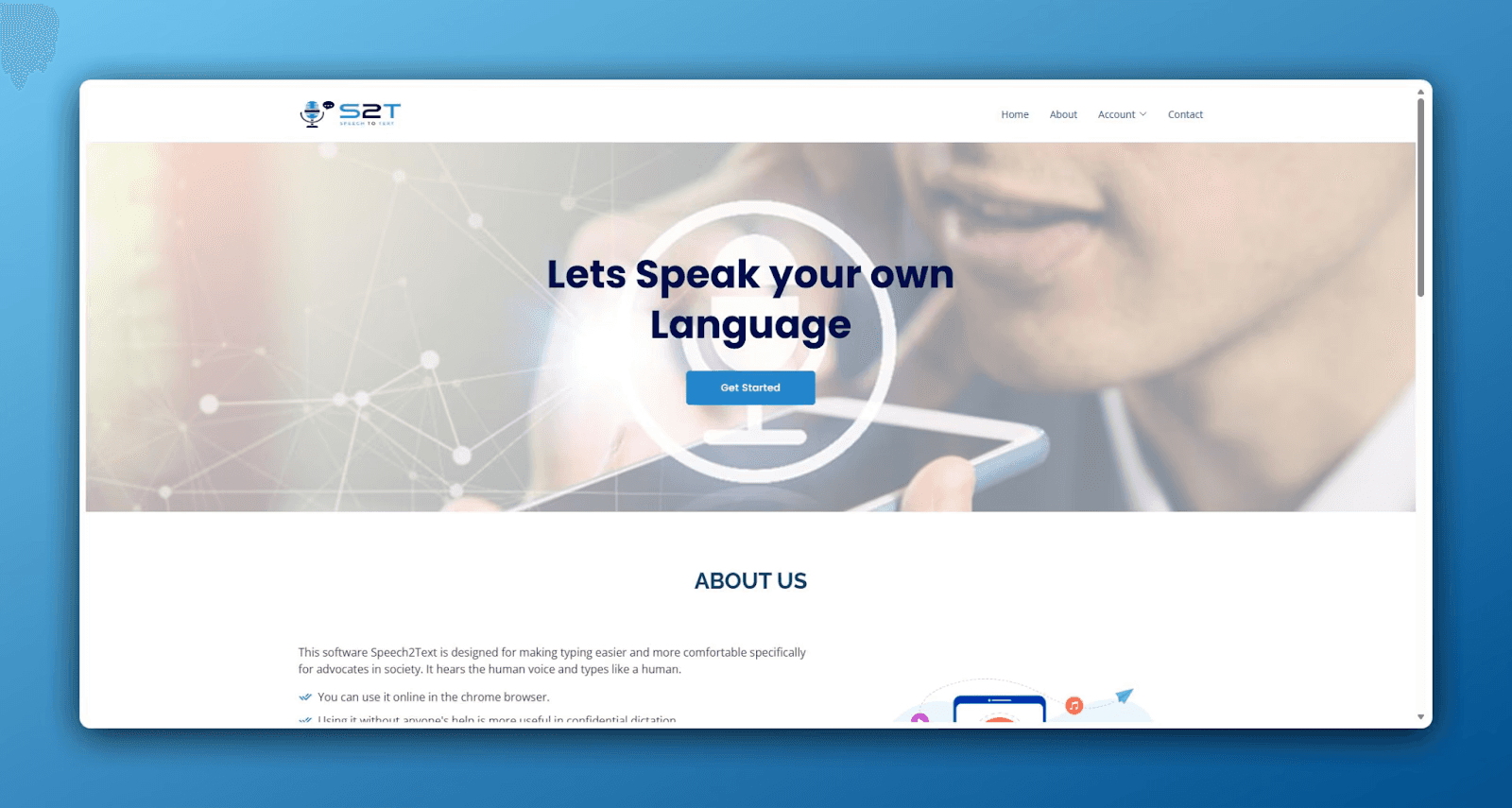
In tests on recordings with poor audio and fast speech, it showed 94-96% accuracy — better than international competitors. On journalist interviews with technical terms, accuracy exceeded competitors. The voice to text AI handles low-quality recordings well. Especially useful for podcasts and interviews. You can upload links from YouTube and VK directly without downloading files.
Pros:
Excellent accuracy on poor audio (better than competitors)
Direct video upload from platforms without downloading
Fast processing for large volumes
Used by RBC (Russian Business Channel), Forbes Russia, VGTRK (Russian state media)
Cons:
No built-in editor for major revisions
No meeting analysis or task extraction
Minimalist interface requires adjustment
No video conferencing integration
⭐⭐⭐⭐
5. Google Cloud Speech-to-Text — Multilingual Platform
Supports 125+ languages. Russian accuracy is 90-93%, English 94-96%. The voice to text AI effectively filters background noise through adaptive filtering algorithms. This is a developer API with ready-made solutions built on it. Google Cloud Platform integration simplifies work for companies in the Google ecosystem.
Pros:
Broad language support for multilingual projects
High accuracy on English
Good background noise filtering
Google Workspace integration
Cons:
Lower accuracy on Russian (90-93%)
Requires technical expertise
Paid after free tier
No ready interface for regular users
⭐⭐⭐⭐
6. Otter.ai — For Live English Meetings
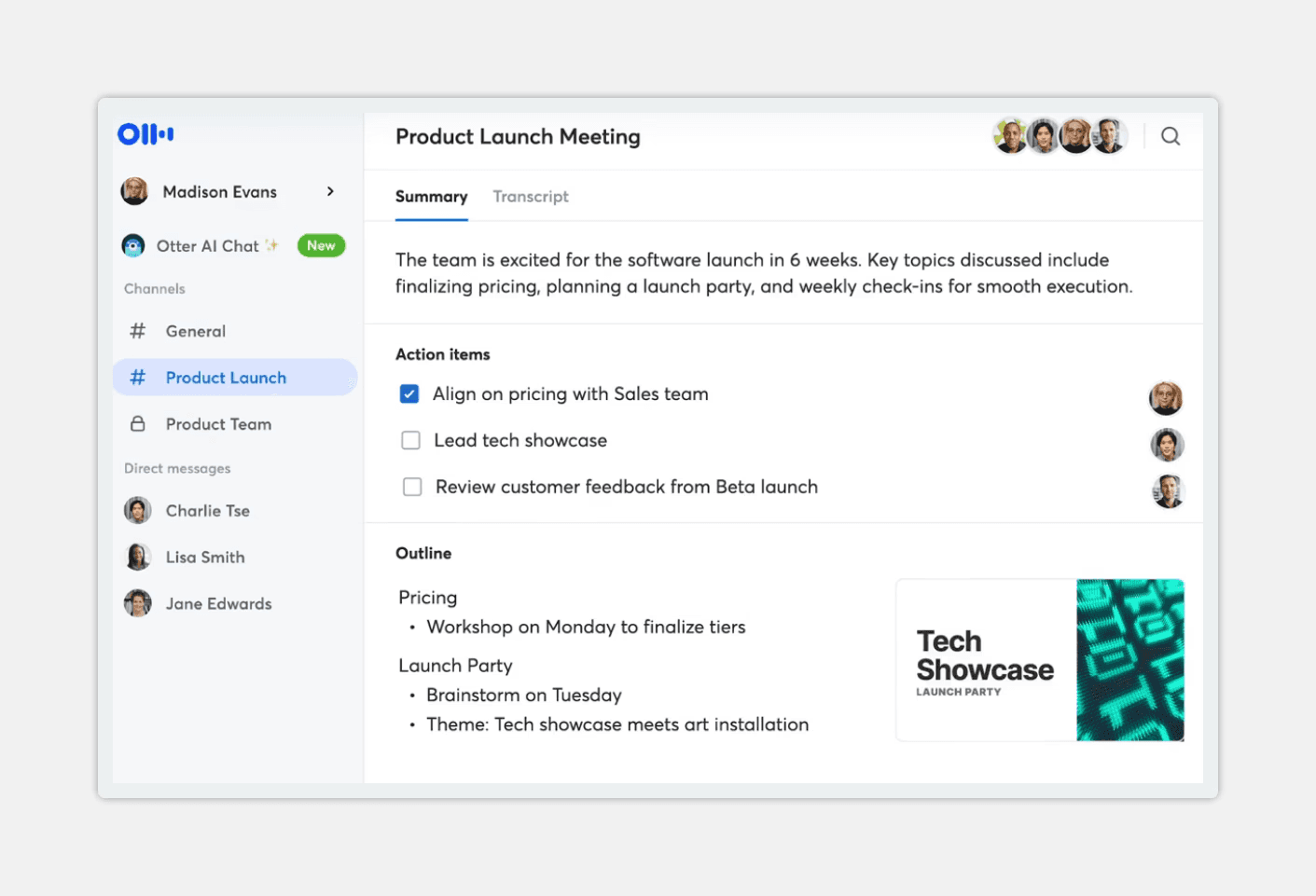
Otter.ai specializes in English-speaking teams conducting meetings in Zoom or Google Meet. Real-time transcription during meetings — text appears on screen as the conversation happens, visible to everyone. The voice to text AI distinguishes speakers well in multi-person meetings. Results are more modest with Russian (80-85%).
Pros:
Excellent accuracy on English (93-95%)
Live transcription visible during meetings
Good speaker distinction (5-6 participants)
Convenient for international English-speaking teams
Cons:
Poor performance with Russian (80-85%)
No meeting analysis or task extraction
No media player for verification
Fewer analysis features
⭐⭐⭐⭐
7. Teamlogs — Built-in Editor with Fast Processing
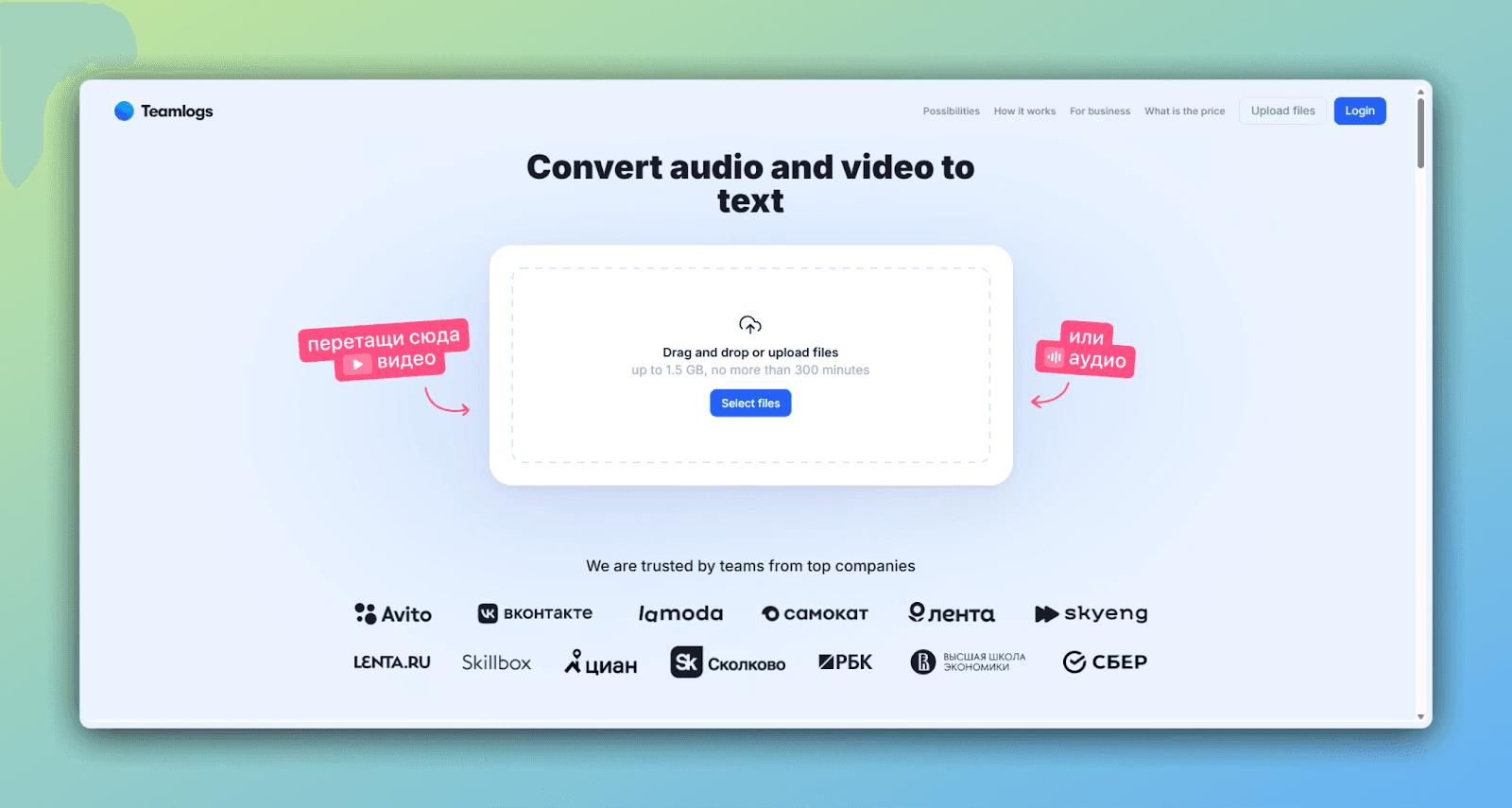
Russian voice to text AI service for meeting transcription with proprietary neural network. In tests on recordings with technical terms and fast speech, it showed 95-97% accuracy. One of the fastest services — one hour of audio processes in 3-5 minutes. The built-in editor allows you to listen to audio while editing text simultaneously.
Pros:
One of the fastest transcription platforms (3-5 min)
Built-in editor convenient for editing while listening
Good accuracy on Russian (95-97%)
Understands business vocabulary and terms
Cons:
More expensive for large transcription volumes
No automatic meeting connection
Requires manual file upload
Fewer meeting analysis features
⭐⭐⭐⭐
8. Rev — Hybrid Approach with Human Review
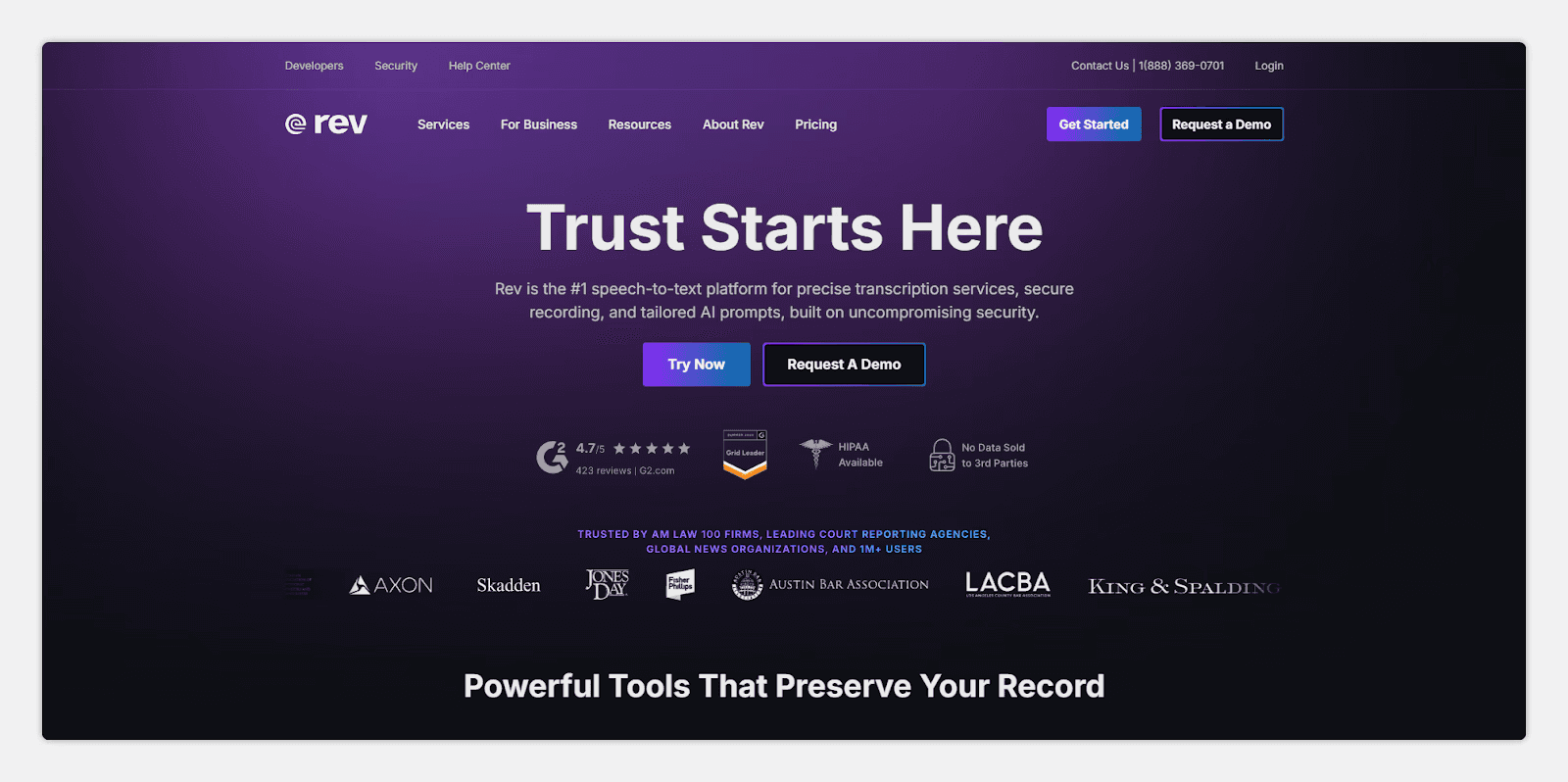
Rev combines automatic transcription with professional transcriber services. Guarantees up to 99% accuracy for critical materials but slows down the process. Automatic processing achieves 92% accuracy, human review reaches 99%. Used for media projects and legal documentation.
Pros:
Exceptional accuracy with human processing (99%)
Subtitling and translation services in one place
YouTube and Adobe integration
Handles specialized terminology
Cons:
Lower accuracy on Russian (92%)
Human processing is slow (up to an hour)
Most expensive for large volumes
No built-in editor
⭐⭐⭐⭐
9. Any2text — Simple Interface, No Frills
European voice to text AI service with a minimalist approach — upload a file, get results. Supports 50+ languages and all popular audio formats. Tests showed 90-92% accuracy for Russian. Suits freelancers and content creators who need results without extra features.
Pros:
Very simple interface, beginners figure it out in 30 seconds
Acceptable accuracy for Russian (90-92%)
Many export formats
Support for 50+ languages
Cons:
No built-in editor for corrections
No video conferencing integration
No meeting analysis or task extraction
File upload through interface only
⭐⭐⭐
10. Descript — Video Editing Through Text
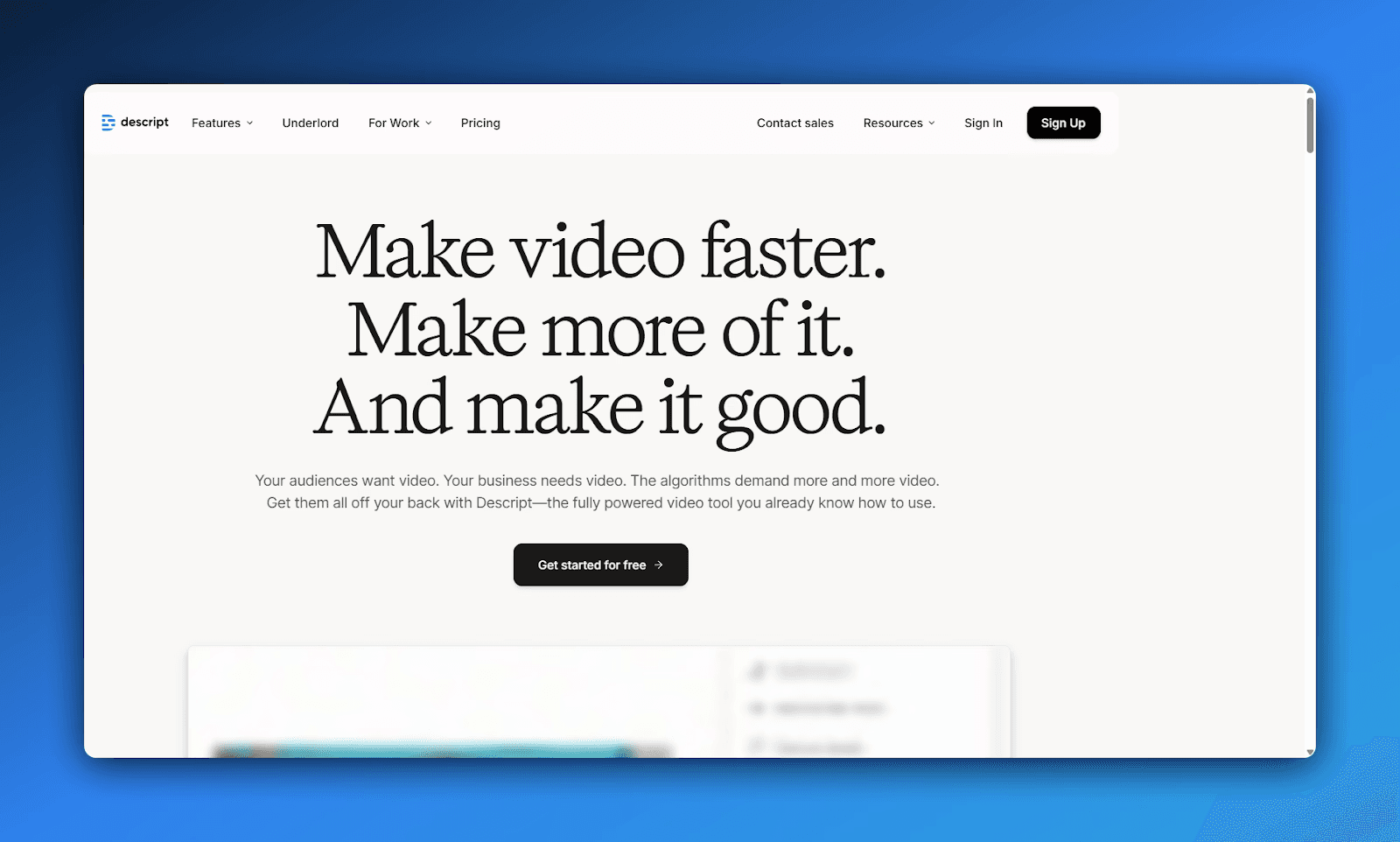
Descript works differently — you edit video by changing text. Delete a word from the transcription — it disappears from the video. Built-in tools for removing filler words and creating subtitles. A useful tool for podcasters and video bloggers, but Russian accuracy is lower (85-90%).
Pros:
Video editing through text saves hours on editing
Filler word removal works well
Built-in audio enhancement tools
Suits podcasts and video blogs
Cons:
Low accuracy on Russian (85-90%)
Many errors on technical content
Depends on stable internet
Interface is more complex for beginners
⭐⭐⭐
Voice to Text AI Comparison: Complete Feature Table
Testing 150+ hours of material revealed that platform choice depends on three factors — accuracy in your language, processing speed, and workflow integrations. Western services excel at English but lose 10-15% accuracy on Russian. Russian solutions specialize in Russian and show better results for business meetings. Here's a complete comparison of all 10 voice to text AI services.
Service | Russian Accuracy | Speed per Hour | Main Advantage | Target Audience |
mymeet.ai | 96-98% | 5 min | Task extraction + media player | Corporate meetings |
Yandex SpeechKit | 95-97% | 2-4 min | Developer API | Large companies |
Teamlogs | 95-97% | 3-5 min | Built-in editor | Fast processing |
Speech2text | 94-96% | 10 min | Works with poor audio | Podcasts, interviews |
OpenAI Whisper | 92-94% | 2-3 min | Free, local | Confidential data |
Google Speech-to-Text | 90-93% | 2-3 min | 125+ languages | Multilingual projects |
Rev | 92% (auto) | 5-60 min | Human review up to 99% | Critical materials |
Any2text | 90-92% | 5-10 min | Simple interface | Freelancers |
Otter.ai | 80-85% | Real-time | Live transcription | English meetings |
Descript | 85-90% | 3-5 min | Video editing | Podcasts, video blogs |
The table shows a clear hierarchy. For Russian language, mymeet.ai, Yandex SpeechKit, and Teamlogs lead — they maintain 95%+ accuracy. For English projects, choose Otter.ai (live transcription) or Google (multilingual support). For confidentiality — OpenAI Whisper. For fast high-volume processing — Teamlogs. For critical accuracy with human review — Rev.
Voice to Text AI Selection Matrix: How to Choose the Right One
All 10 voice to text AI tools work, but they solve different problems. This matrix helps you choose the right voice to text neural network without wasting time.
Best Voice to Text AI for Russian Language Accuracy
mymeet.ai (96-98%) leads among voice to text AI solutions. Yandex SpeechKit and Teamlogs maintain 95-97%. If accuracy is critical — choose from these three. Other voice to text neural networks lose 5-10%.
Fastest Voice to Text AI for Audio Processing
Teamlogs and Yandex process in 2-4 minutes per hour. mymeet.ai takes 5 minutes. If you need real-time transcription during meetings — only Otter.ai. Others take 10-20+ minutes.
Voice to Text AI with Meeting Analysis and Task Extraction
Only mymeet.ai automatically extracts tasks during voice to text processing. Others just provide text. If you need structured meeting information — mymeet.ai or manual processing of results.
Voice to Text AI for Poor Audio, Noise, and Accents
Speech2text specializes in this (94-96% even on poor audio). OpenAI Whisper handles it well due to training diversity. Other voice to text neural networks lose accuracy on complex audio.
Voice to Text AI for Confidential Data Without Cloud
OpenAI Whisper — the only local voice to text AI, free. Yandex SpeechKit can be deployed on your own servers. mymeet.ai processes data in Russia (compliant with 152-FZ, Russian data protection law). Others require clouds.
Voice to Text AI with Text-Based Video Editing
Descript edits video through text (delete a word from transcription — it disappears from video). Saves hours for podcasters. Russian accuracy is 85-90%, but the functionality is unique.
Voice to Text AI for Multiple Languages
Google Speech-to-Text (125+ languages), Sonix (100+ languages). mymeet.ai (73 languages). For multilingual content — Google or Sonix.
Simple Voice to Text AI: Upload and Get Results
Any2text — upload a file, get text. No extra features, simple voice to text AI. 90-92% accuracy for Russian — acceptable for basic tasks.
Conclusion: Choosing a Meeting Transcription Service
After testing 20+ services on 150+ hours of real recordings, the conclusion is clear: platform choice directly impacts team speed and quality. The wrong service leads to hours of manual transcription corrections. The right one saves dozens of hours monthly.
For Russian companies and Russian-language meeting transcription, the clear leader is mymeet.ai. It shows 96-98% accuracy, automatically extracts tasks and agreements, works with meeting videos, and has a built-in media player. It pays for itself in the first month through time saved on meeting processing.
If you need flexibility and multilingual support — Yandex SpeechKit or Google Speech-to-Text. If processing speed is critical — Teamlogs. If data confidentiality matters — OpenAI Whisper. If you work with podcasts and poor audio — Speech2text.
Start with 180 free minutes of mymeet.ai testing. That's enough to process several real team meetings and evaluate how the voice to text AI system will improve your workflow.
Frequently Asked Questions
Which service best recognizes Russian speech for audio conversion?
mymeet.ai shows 96-98% accuracy on meetings, Yandex SpeechKit 95-97% in tests, Speech2text 94-96% even on poor audio. These are the three leaders for Russian language transcription. Otter.ai achieves only 80-85% on Russian, unsuitable for corporate Russian-language meetings.
Can free services be used for business meeting transcription?
OpenAI Whisper is completely free but requires a computer for local processing. mymeet.ai offers 180 free minutes monthly — enough for a small team. Other services have time and feature limitations for voice to text conversion.
What accuracy is considered normal for speech transcription?
90%+ is considered good for voice to text AI. On clean recordings, the best services achieve 95-98%. On recordings with noise and accents, accuracy drops 5-10%. Microphone quality and speech clarity are critical for audio transcription.
Do meeting transcription results need editing?
Even the best voice to text AI services require minimal editing: checking names, numbers, and specialized terminology. Correction time is under an hour for an hour-long meeting, while manual transcription would take 4-6 hours.
Which service integrates with video conferencing for transcription?
mymeet.ai works directly with Zoom, Teams, Google Meet, and Yandex Telemost — the bot joins the meeting for automatic recording and transcription. Otter.ai integrates with three major platforms. Others require manual file upload for meeting transcription.
Are cloud services safe for confidential information during speech conversion?
All major voice to text AI services use encryption during transmission and storage. For maximum confidentiality, choose local solutions (OpenAI Whisper) or services with private server deployment (Yandex SpeechKit). mymeet.ai complies with 152-FZ (Russian data protection law) and processes data in Russia.
How long does it take to process one meeting transcription?
Teamlogs is fastest (3-5 minutes per hour). mymeet.ai processes in 5 minutes. Speech2text takes 10 minutes. Otter.ai works in real-time. Speed depends on recording quality for voice to text conversion.
Can voice to text AI distinguish different speakers during transcription?
Yes, all modern services support this (diarization). mymeet.ai, Speech2text, and Teamlogs distinguish 3-6 speakers well. The system automatically labels participants but may err if voices are similar.
What audio formats do voice to text AI services support?
mymeet.ai and Teamlogs support all popular formats. Any2text works with MP3, WAV, FLAC, M4A, OGG. Speech2text uploads directly from YouTube and VK. Check compatibility on each service's website before use.
Can subtitles be created for video during speech transcription?
Yes. Speech2text, Descript, and Rev create SRT files for subtitles. They can be used immediately in video editors for YouTube. Descript additionally synchronizes subtitles with video automatically — this saves hours on editing.
Ilya Berdysh






